How to integrate Marketo with ClickFunnels
Here is how to integrate marketo with clickfunnels
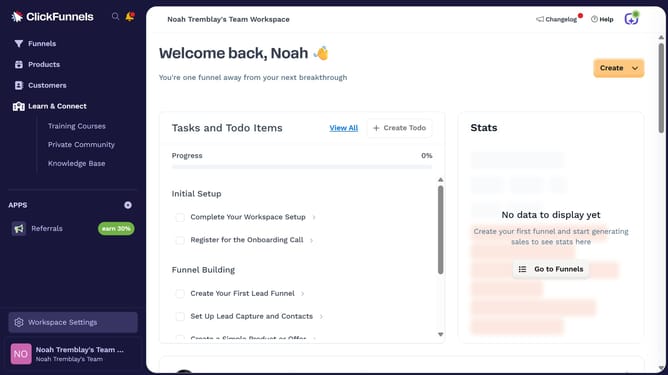
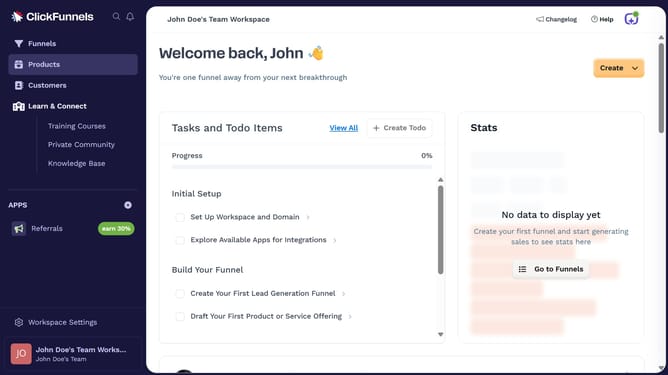
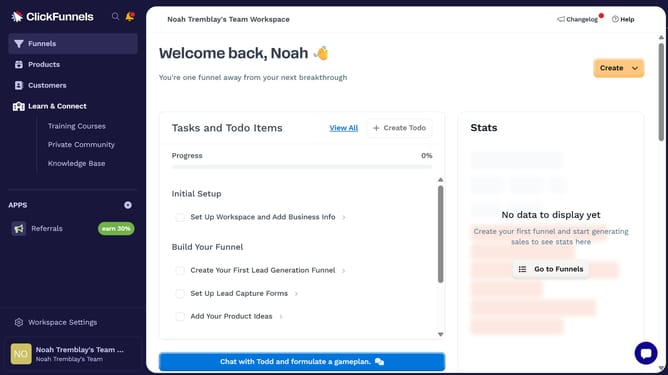
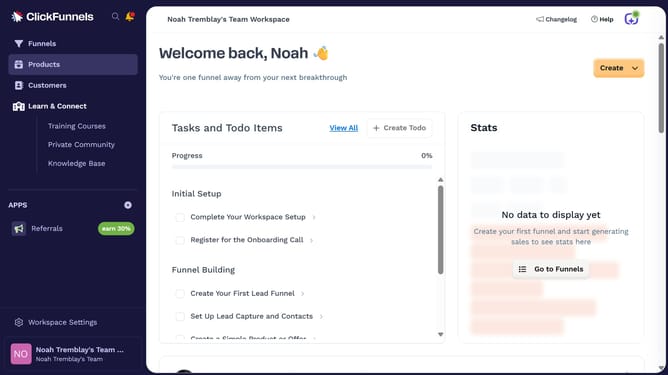
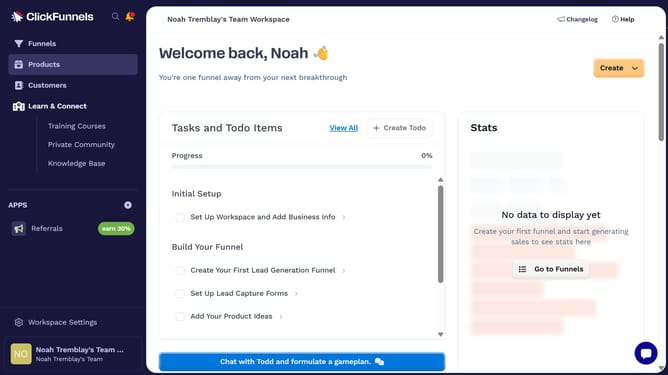
- First click on "Workspace Settings" link in the left sidebar
- Then click on "Integrations" menu item in the left sidebar
- Next click on the "Marketo" integration card in the main content area
- Finally enter your Marketo URL, Client ID, and Client Secret in the connection form, then click "Proceed" to complete the integration
Why should you integrate Marketo with ClickFunnels
ClickFunnels is a powerful tool designed for creating high-converting sales funnels effortlessly.
Integrating Marketo and ClickFunnels unlocks a seamless interaction between marketing automation and sales strategies. This connection enables smoother customer journey tracking and marketing insights.
Leveraging Marketo's robust analytics with ClickFunnels' intuitive design enhances lead nurturing and conversion rates. Thus, businesses benefit from increased efficiency and improved ROI.
Last update