How to disconnect ActiveCampaign from ClickFunnels
Here is how to disconnect activecampaign from clickfunnels
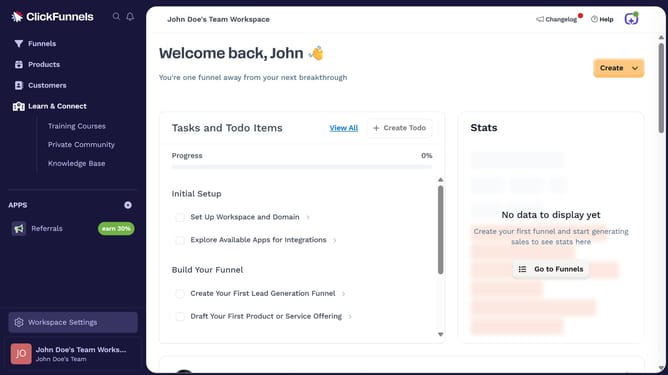
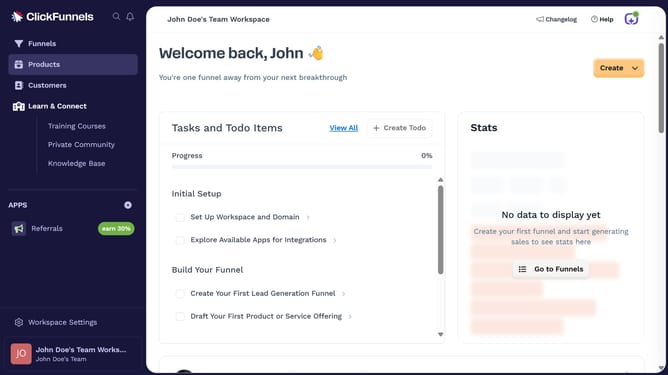
- First click on "Workspace Settings" in the left sidebar
- Then click on "Integrations" in the left sidebar menu
- Then click on the "ActiveCampaign" integration card
- Then click on the "ActiveCampaign Account" dropdown menu to view connected accounts
- Then click on the delete/disconnect icon next to the connected account
- Finally click on the "Disconnect" button in the confirmation dialog
Why should you disconnect ActiveCampaign from ClickFunnels
ClickFunnels is a dynamic platform designed to simplify the creation and management of sales funnels for businesses.
Disconnecting ActiveCampaign from ClickFunnels ensures a more streamlined, efficient process by eliminating unnecessary integrations that are not in use.
This disconnection grants you better control over your digital marketing tools, reducing complexities and enhancing performance for the services you decide to employ.
Optimizing your connectivity also enhances focus, allowing you to allocate resources more effectively.
Last update