How to customize visible columns in ClickFunnels
Here is how to customize visible columns in clickfunnels
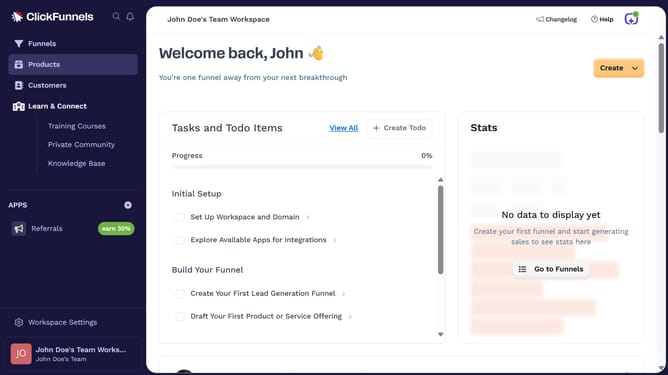
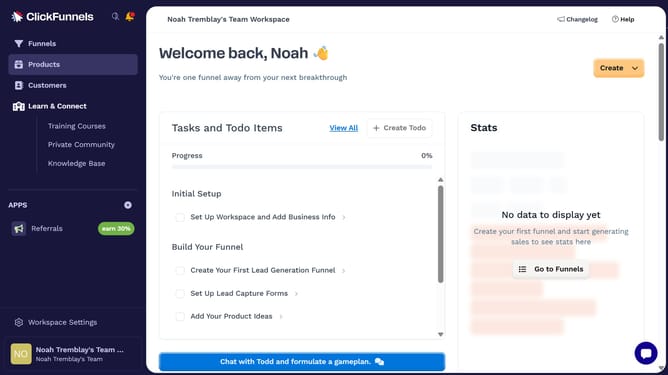
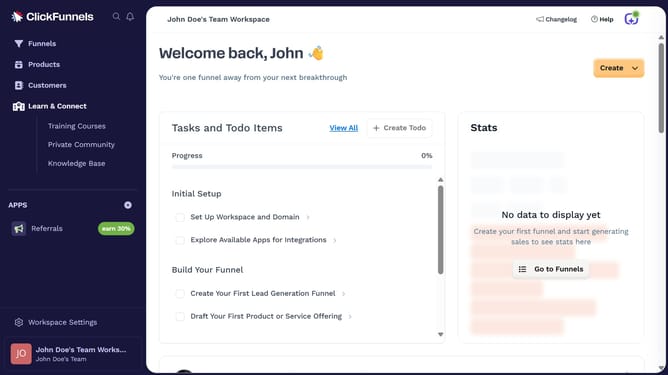
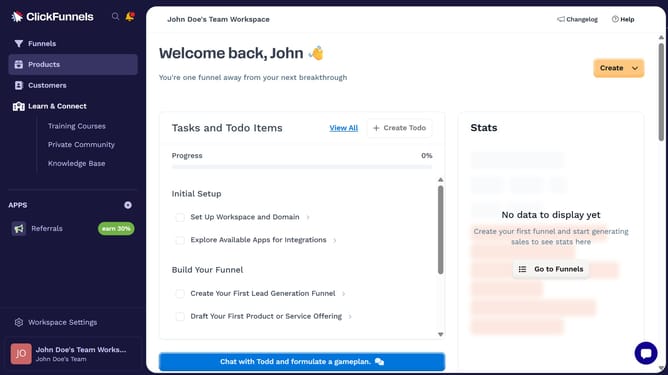
- First click on the "Funnels" item in the left sidebar navigation menu
- Then click on the "Modify columns" button in the top-right corner of the funnel table
- Finally choose which columns to show or hide by checking or unchecking the options in the dropdown menu
Why should you customize visible columns in ClickFunnels
ClickFunnels is a powerful tool designed to help entrepreneurs manage and enhance their sales funnels seamlessly.
One of its standout features is the ability to customize visible columns, allowing users to tailor their view for maximum convenience.
This feature is particularly beneficial as it empowers users to streamline their workflow, making it easier to focus on the most pertinent data. By adjusting these columns, users can enhance their data visibility, ensuring the most crucial insights are right at their fingertips.
Ultimately, this customization promotes a more efficient and personalized user experience.
Last update