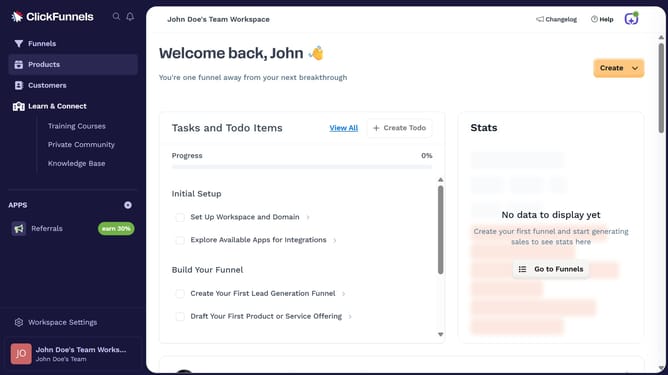
How to disconnect Discord from ClickFunnels
Here is how to disconnect discord from clickfunnels
- First click on "Workspace Settings" link in the left sidebar
- Then click on "Integrations" menu item in the left sidebar
- Next click on the "Discord" integration card in the main content area
- Then click on the dropdown menu next to "Discord Account:" field
- Next click on the delete/disconnect icon button in the dropdown menu
- Finally click on the "Disconnect" button in the confirmation dialog
Why should you disconnect Discord from ClickFunnels
ClickFunnels is a powerful tool designed for entrepreneurs to build stunning sales funnels quickly and efficiently.
Disconnecting Discord from ClickFunnels may be necessary for users seeking a streamlined focus on essential integrations.
By removing Discord, you can ensure that your ClickFunnels dashboard remains uncluttered, allowing for a more efficient workflow.
This feature enhances user control, enabling them to tailor their ClickFunnels environment to their specific needs, optimizing overall productivity.
Last update