How to create a digital product in ClickFunnels
Here is how to create a digital product in clickfunnels
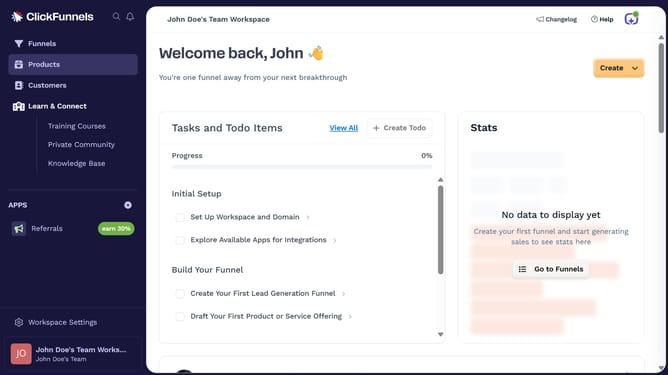
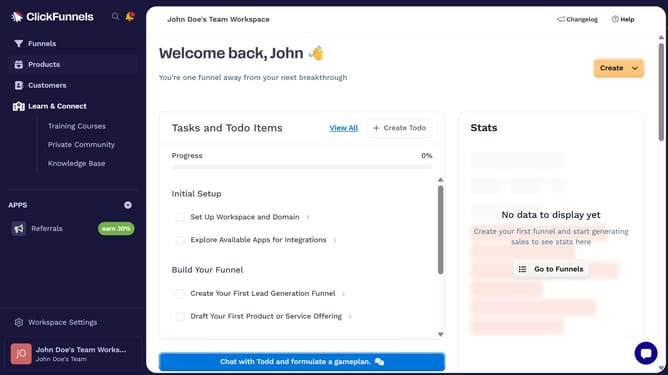
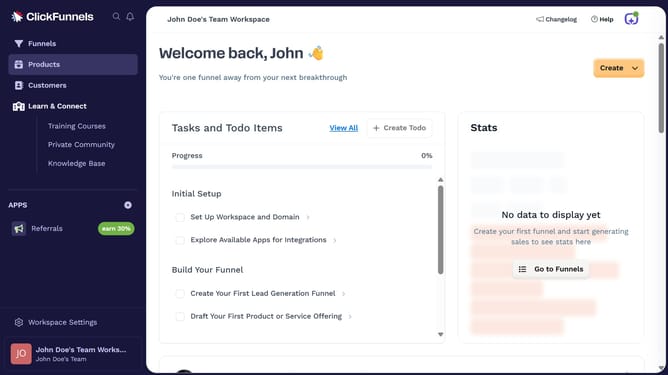
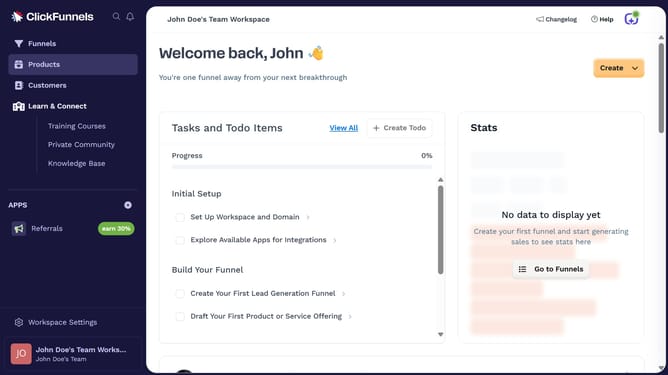
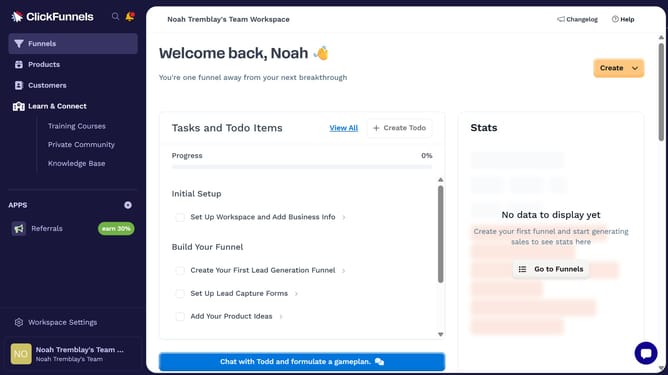
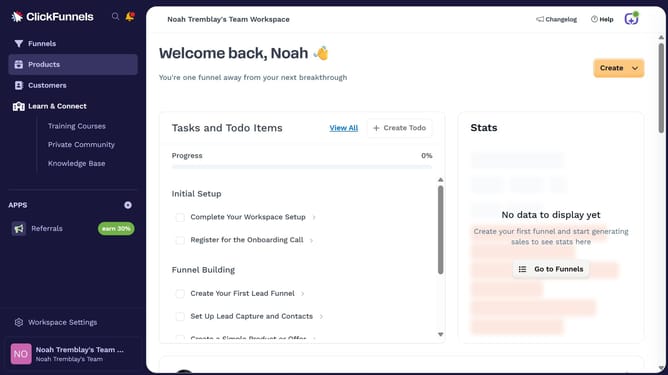
- First click on "Products" menu item in the left sidebar
- Then click on "All Products" submenu item under the Products section
- Then click on "Create Product" button in the top right area of the page
- Then click on "Digital" product type option in the create product modal
- Then click on the "Product name" input field and enter the product name
- Then click on "Create product" button at the bottom of the modal
- Next enter your product price in the price configuration modal
- Finally click on "Set price" button to complete the product creation
Why should you create a digital product in ClickFunnels
ClickFunnels is a powerful online platform designed for entrepreneurs to build sales funnels effortlessly.
Creating a digital product in ClickFunnels is seamless, offering intuitive features that simplify the process. You can easily design, customize, and launch your product to a targeted audience.
One of the key benefits is the ability to automate sales and marketing, saving time and optimizing conversions. This all-in-one solution ensures streamlined operations, allowing you to focus on growth and innovation.
Last update