How to delete an existing card in Help Desk in HubSpot
Here is how to delete an existing card in help desk in hubspot
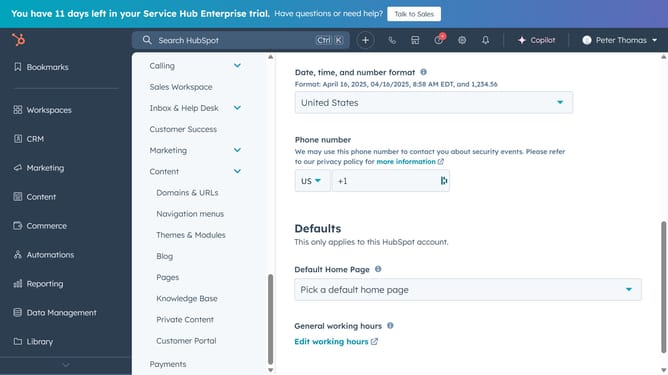
- First click on the "Inbox & Help Desk" dropdown in the left sidebar menu
- Then click on "Help Desk" option in the expanded menu
- Click on "Sidebar customization" link in the Help desk customization section
- Click on the view that contains the card you want to delete in the view list
- Click on "Edit layout" tab in the view settings
- Next locate and click on "Edit" button next to the the card you want to delete
- In the Edit card dialog, click on the menu button (three dots) in the top-right corner
- Select "Delete card" option from the dropdown menu
- Finally click on the "Delete" button in the confirmation dialog
Why should you delete an existing card in Help Desk in HubSpot
HubSpot is a versatile platform that brings marketing, sales, and customer service tools together for an enhanced business experience.
Managing your help desk efficiently in HubSpot is crucial for maintaining high customer satisfaction. By deleting an outdated or irrelevant card in the Help Desk, you can keep your workspace organized and clutter-free.
This feature helps streamline workflow, ensuring that your team focuses on the most pertinent issues, ultimately leading to faster resolution times and happier customers.
Last update