How to manage user permissions in HubSpot
Here is how to manage user permissions in hubspot
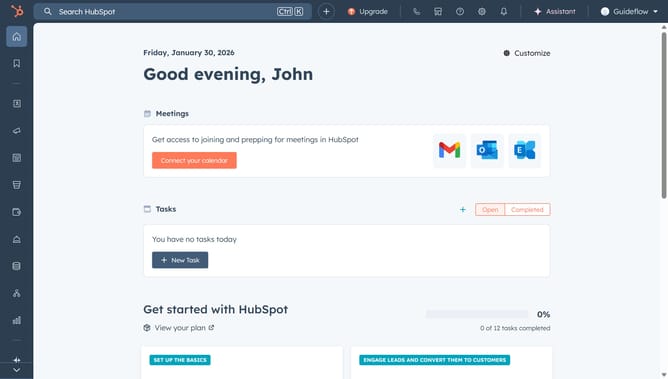
- First click on the settings icon in the top navigation bar
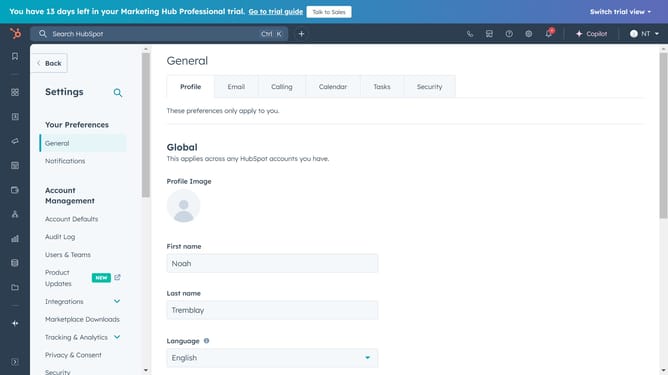
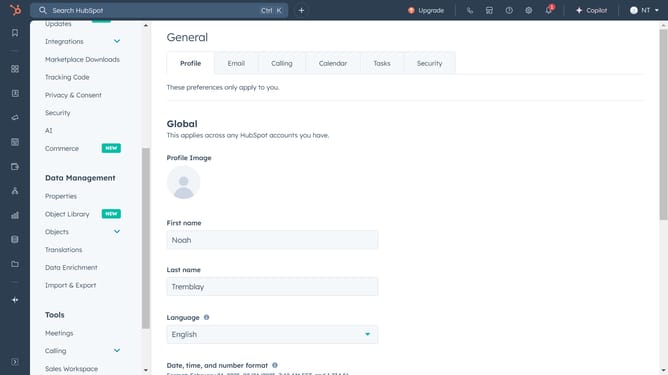
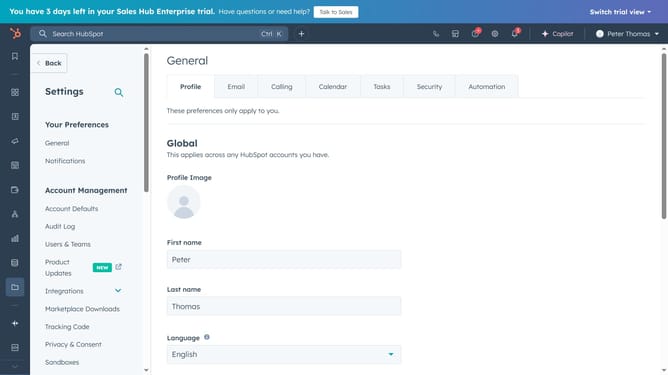
- Next click on the "Users & Teams" option in the left sidebar menu
- Click on the "Users" tab in the main content area
- Then hover over the user whose permissions you want to manage and click on "Edit permissions"
- On the Editing access screen, click on the dropdown menu under "Assign a seat" and select seats type
- Next, expand the "Choose how to set access" and choose how the access will be set
- Then click on "Choose permissions" section to expand it
- Now toggle the permissions on and off based on what the user should access or modify
- Finally click on the "Save" button in the top-right corner to confirm your changes
Why should you manage user permissions in HubSpot
HubSpot is an all-in-one CRM platform designed to elevate your marketing, sales, and service touchpoints.
Managing user permissions in HubSpot allows you to customize access levels, ensuring each team member has the right tools at their fingertips.
This feature enhances data security and promotes efficiency by allowing team members to focus on areas they excel in while strictly managing access to sensitive information.
With a well-organized permission hierarchy, collaboration becomes seamless, making teamwork both productive and secure.
Last update