How to permanently delete a file in HubSpot
Here is how to permanently delete a file in hubspot
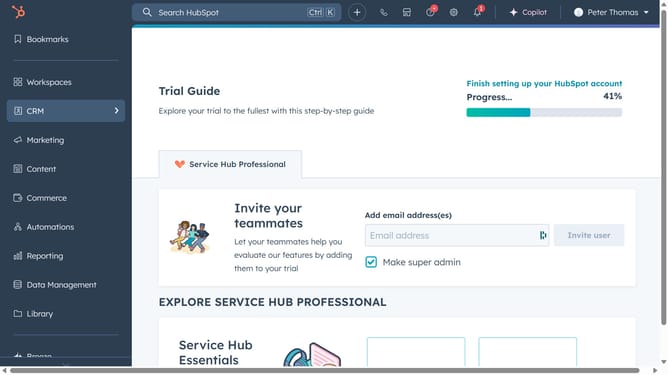
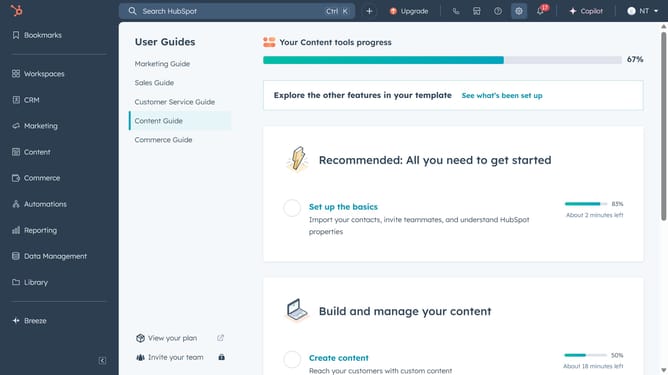
- First click on the "Library" icon in the left sidebar
- Then click on the "Files" option in the Library submenu
- Click on the "Files trash" button in the top right corner of the Files page
- Next hover over the file you want to permanently delete and click on the "Actions" dropdown menu
- Select "Permanently delete" option from the Actions dropdown menu
- In the dialog box, type "delete" in the confirmation input field
- Finally click the "Delete" button to permanently remove the file
Why should you permanently delete a file in HubSpot
HubSpot is a comprehensive platform designed to streamline marketing, sales, and service processes.
The feature of permanently deleting a file in HubSpot ensures your digital workspace remains organized and clutter-free.
By securely removing obsolete documents, you reduce the risk of data breaches and maintain a clean resource library.
This enhances your team's efficiency, prevents unnecessary confusion, and allows you to manage your content confidently.
Last update