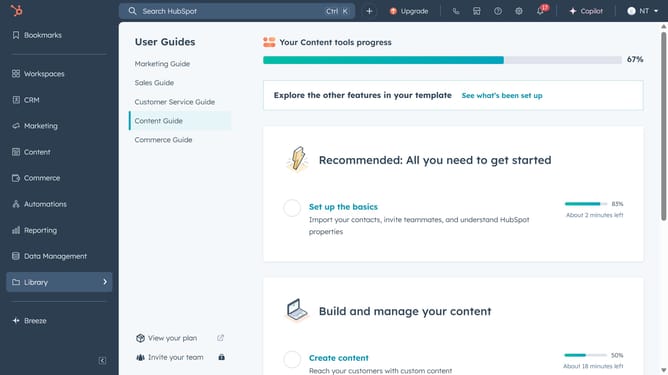
How to manually add a contact in Hubspot
Here is how to manually add a contact in hubspot
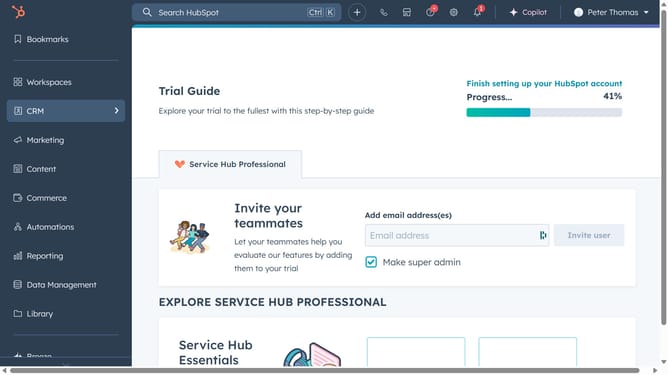
- First hover your mouse on the CRM navigation icon in the left sidebar
- Then click on "Contacts" menu item in the expanded CRM sidebar
- Next click on the "Add contacts" dropdown button in the top right corner of the contacts page
- Then select "Create new" option from the dropdown menu
- Fill in the contact details
- Finally click on the "Create" button to save the new contact
Why should you manually add a contact in Hubspot
HubSpot is a dynamic platform designed to enhance and streamline your business’s marketing, sales, and customer service efforts.
Manually adding a contact in HubSpot is a straightforward feature that empowers users with precise control over their contact lists. It ensures that every potential lead is captured, even those acquired outside digital means, such as through networking events or personal meetings.
This feature is essential for maintaining an up-to-date and comprehensive contact database, facilitating personalized customer interactions, and enhancing customer relationship management strategies.
Last update