How to disable browser notifications in HubSpot
Here is how to disable browser notifications in hubspot
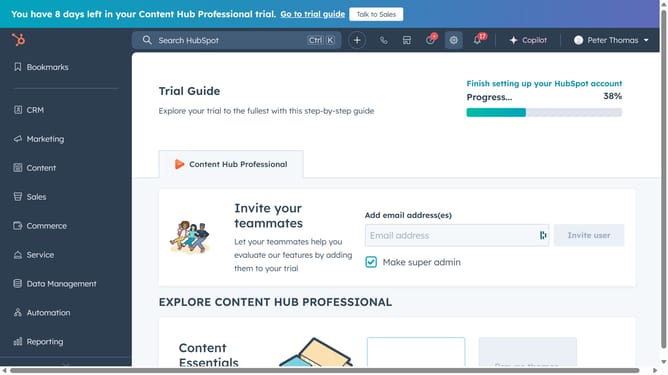
- First click on the "Settings" icon in the top navigation bar
- Then click on "Notifications" link in the left sidebar under "Your Preferences" section
- Finally, click to turn on the “Browser” notification toggle to enable it
Why should you disable browser notifications in HubSpot
HubSpot is a powerful platform designed to enhance marketing, sales, and customer service operations seamlessly.
Disabling browser notifications in HubSpot can be a useful feature for those seeking to reduce distractions. By minimizing interruptions, users can focus better on their critical tasks, thereby enhancing productivity.
This feature provides the flexibility to customize when and what you want to be notified about, allowing for more controlled and efficient management of your workflow.
Enjoy a streamlined and more focused work environment with the simple option to disable notifications when they’re not needed.
Last update