How to enable browser notifications in HubSpot
Here is how to enable browser notifications in hubspot
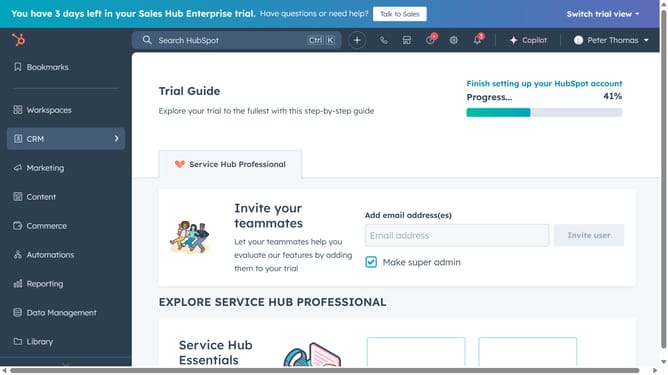
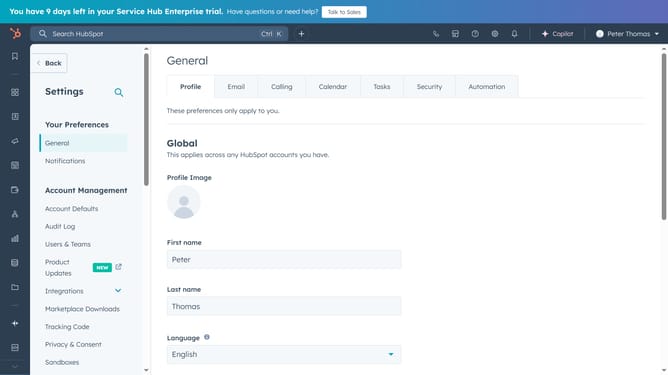
- First click on the "Settings" icon in the top navigation bar
- Then click on "Notifications" in the left sidebar under "Your Preferences"
- Finally, click to turn on the “Browser” notification toggle to enable it
Why should you enable browser notifications in HubSpot
HubSpot is a powerful all-in-one platform designed to streamline marketing, sales, and service for businesses.
Enabling browser notifications in HubSpot ensures you never miss a crucial update or customer interaction.
These notifications help keep your team informed in real-time, improving responsiveness and productivity.
With instant updates on new leads and marketing engagements, browser notifications allow for timely follow-ups and optimized workflow.
Last update