How to permanently delete files in bulk in HubSpot
Here is how to permanently delete files in bulk in hubspot
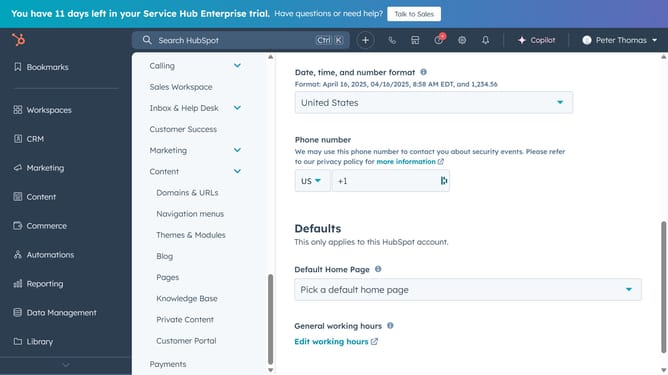
- First click on the "Library" icon in the left sidebar
- Then click on "Files" in the Library submenu
- Next click on "Files trash" button in the top-right corner of the Files page
- Select the checkboxes next to the files that you want to delete
- Then click on "Permanently delete" in the file actions toolbar
- Type "delete" in the confirmation dialog textbox
- Finally click the "Delete" button in the confirmation dialog
Why should you permanently delete files in bulk in HubSpot
HubSpot is a comprehensive platform designed to streamline marketing, sales, and customer service efforts for businesses of all sizes.
Among its wealth of features, HubSpot offers the ability to permanently delete files in bulk, a powerful tool for maintaining organized data storage. By enabling bulk file deletion, this feature helps businesses efficiently manage digital clutter, freeing up valuable storage space and ensuring critical files remain easily accessible.
Using this function can significantly enhance productivity, reduce the risk of accidental data loss, and improve the overall performance of the system. It's an essential capability for any business looking to maintain a clean, organized digital workspace.
Last update