How to delete a language from your knowledge base in HubSpot
Here is how to delete a language from your knowledge base in hubspot
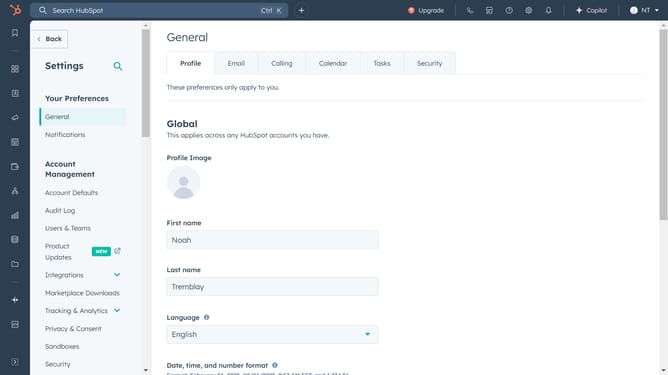
- Click the settings icon in the top navigation bar
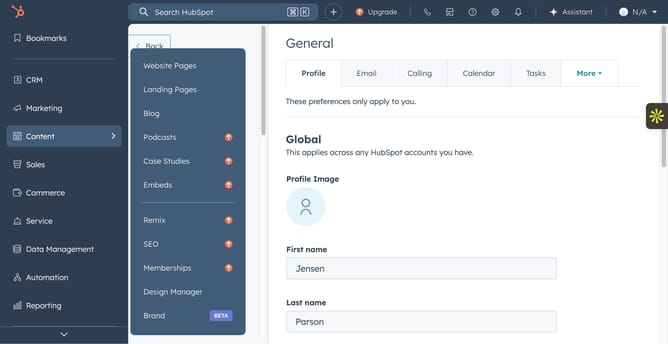
- Click on the "Knowledge Base" option in the left content menu
- Click on the second dropdown menu, then click Add/edit multi-language variations in the language settings area
- Click the delete icon (trash bin) next to the language
Why should you delete a language from your knowledge base in HubSpot
HubSpot is a powerful platform designed to streamline marketing, sales, and customer service efforts.
One of its features includes the ability to manage the languages in your knowledge base effectively. With this option, you can delete a language if it’s no longer essential, which helps in keeping your knowledge base relevant and up-to-date.
Removing unnecessary languages enhances clarity for users and improves management efficiency, ensuring resources are focused where they are most needed.
Last update