How to edit your account currencies in HubSpot
Here is how to edit your account currencies in hubspot
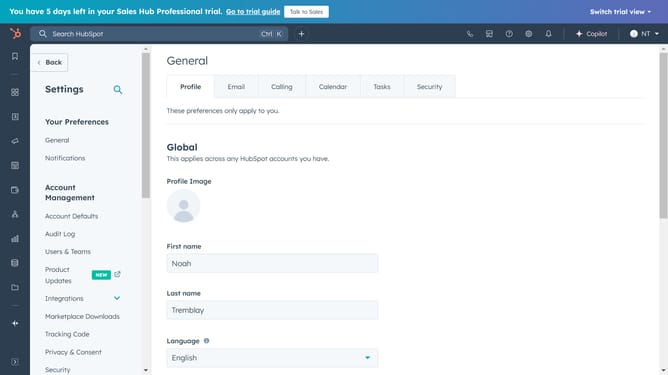
- First, click on the "Settings" icon in the top menu bar
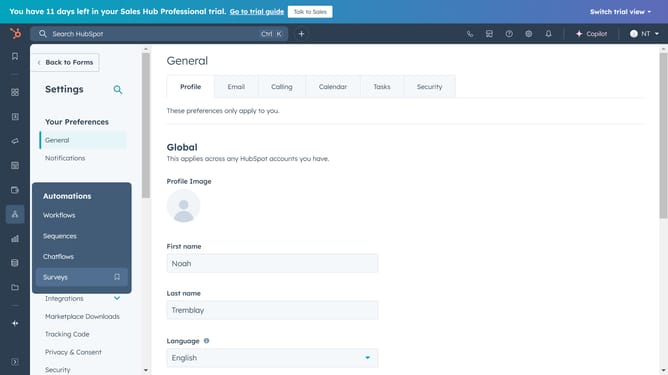
- Then click on "Account Defaults" in the left sidebar under the Account Management section
- Click on "More"
- Select "Currency" in the More dropdown menu
- Next, click on the "Actions" dropdown menu, then Edit company currency and Save
- Or click the Company currency dropdown menu, select a currency, and Save
Why should you edit your account currencies in HubSpot
HubSpot is a powerful platform designed to streamline marketing, sales, and customer service efforts.
One of its dynamic features is the ability to edit your account currencies, catering to businesses dealing with multiple markets. This feature allows users to effortlessly manage currency preferences to match global business operations.
By customizing your account currencies, you ensure precision in financial reporting and interactions, which fosters better client relationships and aids in meticulous budget planning.
This adaptability enhances the global reach and ease of use, empowering businesses to thrive in diverse economic environments.
Last update