How to create teams in HubSpot?
Here is how to create teams in hubspot
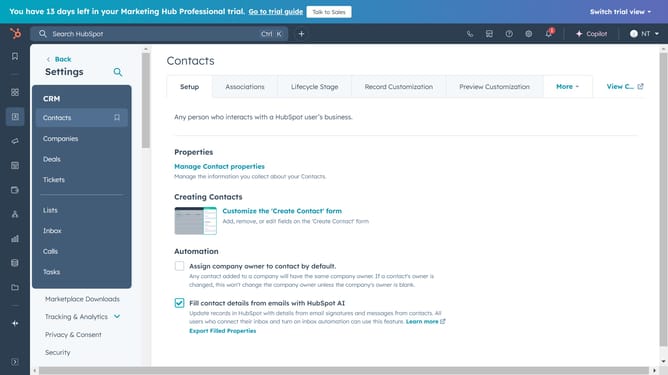
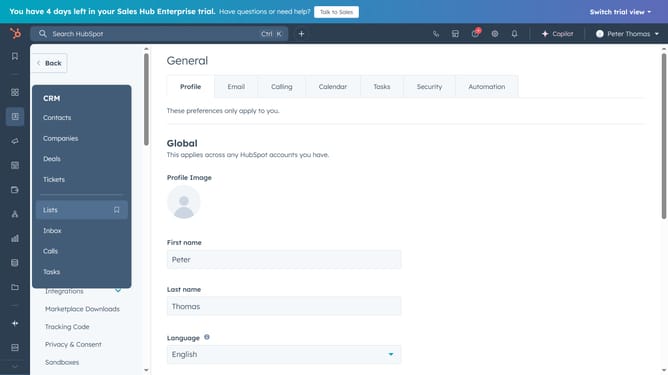
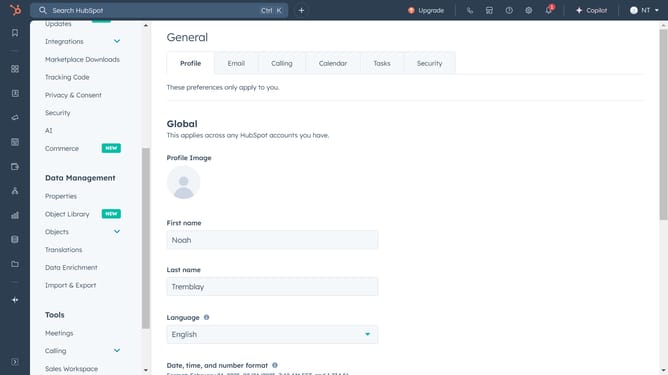
- First navigate to settings
- Then click "Users & Teams" in the left sidebar menu
- Next click on the "Teams" tab
- Click "Create team" in the top right corner
- Enter a name for your team
- Choose your team members from the Team Members dropdown
- Finally, click "Save" to finalize the creation of your team
- A confirmation message will appear, confirming that you have successfully created your team
Why should you create teams in HubSpot?
HubSpot is a dynamic platform crafted to streamline your marketing, sales, and customer service efforts through cohesive inbound methodologies.
Creating teams in HubSpot enhances collaboration within your organization by segmenting users into specific groups. This feature allows for streamlined communication and task management, ensuring everyone is aligned and productive.
Utilizing the team creation feature in HubSpot can lead to more organized workflows and better allocation of resources, boosting both efficiency and team morale. This structured approach can significantly enhance your team's productivity, as everyone clearly understands their roles and responsibilities.
Last update