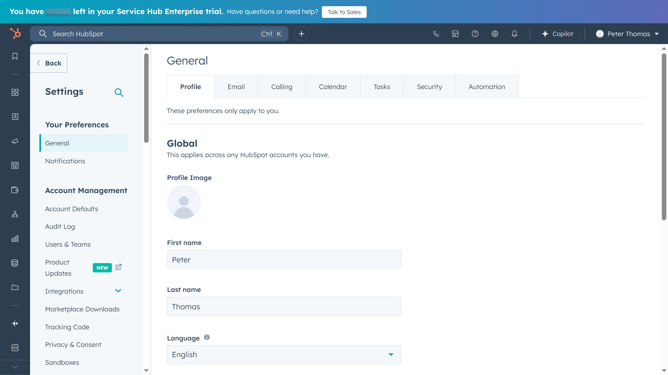
How to edit a dashboard filter in HubSpot
Here is how to edit a dashboard filter in hubspot
- First click on the "Reports" icon in the left sidebar
- Then click on "Dashboards" in the reporting submenu
- Next click on the dashboard title dropdown in the top left corner
- Select the dashboard you want to edit filters for
- Next click on "Advanced filters" button in the dashboard toolbar
- Click the "Applied filters" tab in the Advanced Filters panel
- Find the filter you want to edit and click on it
- Make the necessary changes to the filter criteria
- Click the "Update filter" button to apply the changes
- Your dashboard will now reflect the updated filter settings. Click the "Close" button to close the Advanced Filters panel
Why should you edit a dashboard filter in HubSpot
HubSpot is a premier platform that powers businesses to grow through its comprehensive inbound marketing solutions.
Editing a dashboard filter in HubSpot allows users to tailor data views for efficient decision-making.
By refining filters, teams can focus on metrics that matter, enhancing strategic insight.
This feature streamlines data analysis, saving time and maximizing productivity with customized, relevant information at your fingertips.
Last update