How to bulk delete dashboards in HubSpot
Here is how to bulk delete dashboards in hubspot
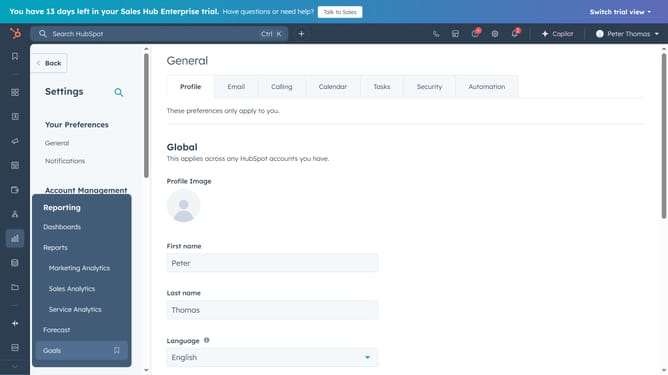
- First click on the "Reports" icon in the left sidebar
- Next click on "Dashboards" in the expanded Reports submenu
- Click on "Manage dashboards" link in the top right of the dashboard view
- In the dashboards list, select the checkboxes next to the dashboards you want to delete
- Next click on the "Delete" button in the top action bar
- In the dialog box, check "Also delete all reports" to remove the reports with the dashboard
- Type the number of dashboards to delete in the confirmation dialog textbox
- Finally click on "Delete dashboards" button ro confirm the deletion
Why should you bulk delete dashboards in HubSpot
HubSpot is a versatile platform designed to enhance marketing, sales, and service processes effectively.
The feature of bulk deleting dashboards in HubSpot provides a streamlined approach to managing your dashboard inventory efficiently.
By using this feature, businesses can quickly clear out outdated or unused dashboards, creating a cleaner and more organized workspace.
This not only saves time but also improves navigation, helping teams focus on the data that truly matters to their goals.
Last update