How to export knowledge base articles in HubSpot
Here is how to export knowledge base articles in hubspot
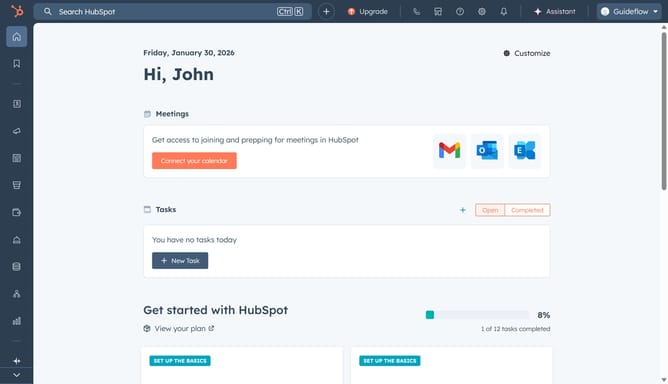
- First click on the "Gear" icon in the top navigation bar to access the settings
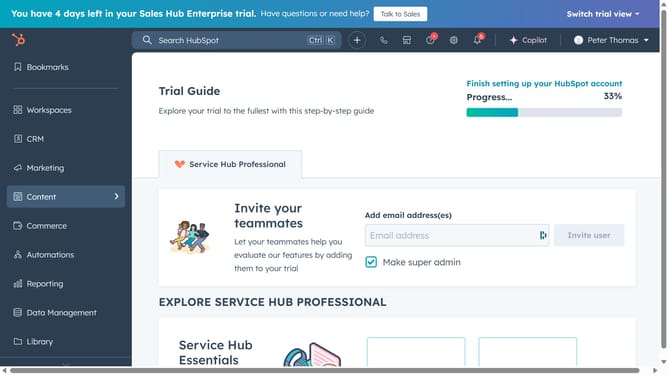
- Then click on the "Content" dropdown in the left sidebar
- Select "Knowledge Base" from the expanded Content menu
- Click the "Options" button in the top right corner of the Knowledge Base settings page
- Select "Export knowledge base Articles" from the Options dropdown menu
- Click the "File format" dropdown in the Export dialog
- Then select your desire file format from the dropdown list
- Finally, click the "Export" button in the Export dialog
Why should you export knowledge base articles in HubSpot
HubSpot is a comprehensive platform designed to streamline marketing, sales, and service processes.
The ability to export knowledge base articles within HubSpot effortlessly facilitates easy sharing and documentation. By exporting these articles, teams can maintain a consistent repository of valuable information, enhancing cross-departmental communication.
This feature empowers businesses to back up content, streamline onboarding procedures, and ensure information is not siloed but shared for maximum accessibility and efficiency.
Last update