How to create a survey in HubSpot?
Here is how to create a survey in hubspot
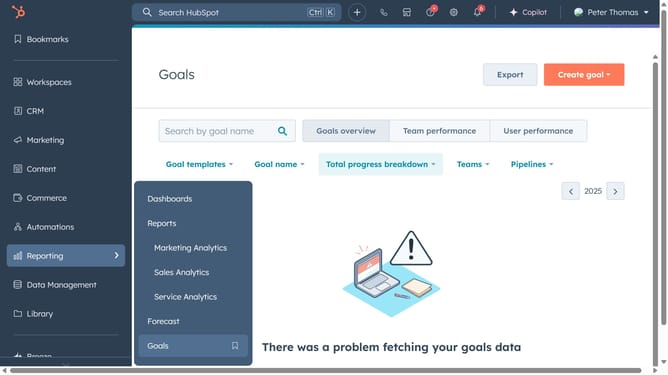
- First navigate to "Automations" in the left sidebar and select "Surveys"
- Next click "Create Survey" to begin
- Choose "Custom Survey" to build one from scratch
- Select how you want to distribute the survey, via Email, Shareable Link, or Webpage
- Use the drag-and-drop tools to design your questionnaire
- Add relevant questions to gather insights
- Next create a feedback property to store survey results
- Then fill the necessary field and click "Next"
- Click on "Review and publish" to review your survey
- Click "Publish" to make your survey live
- Finally, copy the survey link and share it to start collecting responses
Why should you create a survey in HubSpot?
HubSpot is a versatile platform designed to streamline marketing, sales, and customer service processes for businesses of all sizes.
Creating a survey in HubSpot is a seamless experience, offering customizable templates and intuitive features. This functionality allows businesses to gather valuable insights from their audience effortlessly.
Utilizing HubSpot's survey feature can enhance customer understanding, improve product offerings, and boost overall communication strategies. Ultimately, it leads to more informed business decisions.
Last update