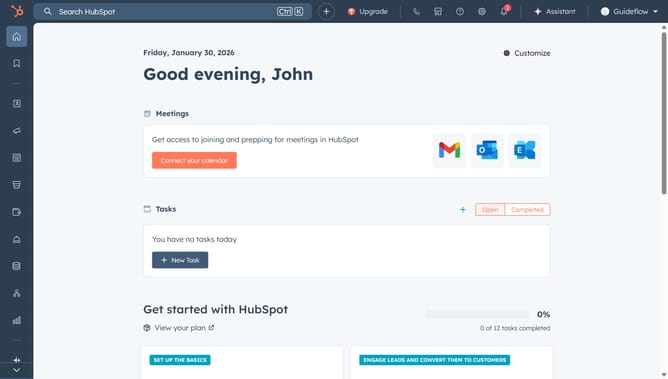
How to rename a pipeline in HubSpot
Here is how to rename a pipeline in hubspot
- First click on the gear icon in the top menu to access settings
- Then click on "Objects" in the left sidebar
- Next click on "Deals" from the expanded Objects menu
- Click on the "Pipelines" tab in the main content area
- Next click on the "Select a pipeline" dropdown menu
- Select the pipeline you want to rename from the dropdown
- Click on the "Actions" dropdown menu in the top right corner
- Select "Rename this pipeline" from the Actions dropdown menu
- Enter the new name in the pipeline name field
- Finally click the "Rename" button to confirm the pipeline name change
Why should you rename a pipeline in HubSpot
HubSpot is a comprehensive platform designed to enhance customer relationship management and streamline marketing efforts.
Renaming a pipeline in HubSpot is a simple yet powerful feature that enhances the organization of sales processes. This feature allows businesses to maintain clarity and efficiency by keeping their pipelines aligned with their specific sales strategies and goals.
The ability to rename pipelines supports better team communication and ensures that each pipeline reflects its current purpose and function. This adjustment can lead to cleaner dashboards and more effective sales tracking, ultimately helping teams focus on what matters most: boosting conversion rates and driving growth.
Last update