How to integrate HubSpot with Asana?
Here is how to integrate hubspot with asana
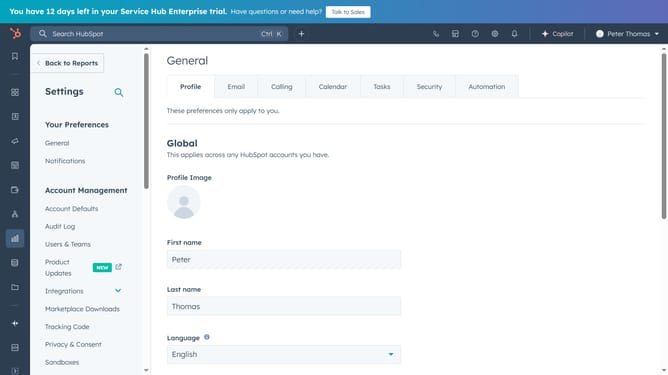
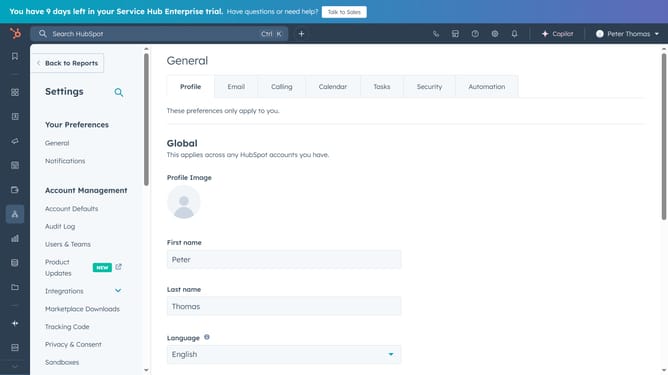
- First, click on the store icon in the top-right, to open the "Marketplace"
- Next click on "Apps" to access the App Marketplace
- Search for "Asana" and select it from the results
- Click "Install app" to begin the setup
- Sign in to your Asana account
- Then click "Allow" to grant permission
- HubSpot and Asana are now connected,you’ll find the Asana integration listed in Connected Apps
Why should you integrate HubSpot with Asana?
HubSpot is a powerful platform designed to revolutionize marketing, sales, and customer service operations.
Integrating HubSpot with Asana offers your team a seamless workflow by connecting marketing insights directly with project management tasks.
This integration allows for real-time updates, synchronizing customer data and project milestones, ensuring every team member is on the same page.
By bringing these tools together, you enhance collaboration, improve efficiency, and simplify tracking of team goals and customer interactions.
Last update