How to create a folder for your snippets in HubSpot
Here is how to create a folder for your snippets in hubspot
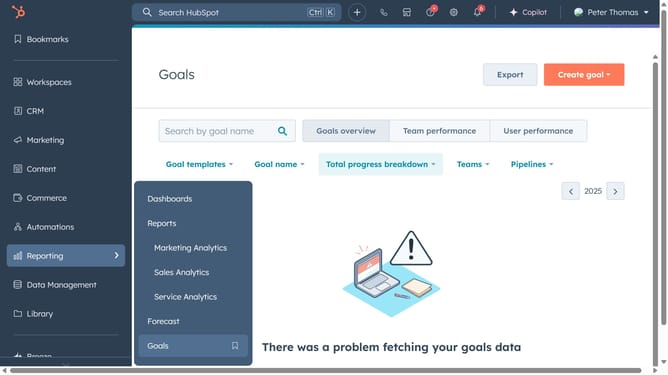
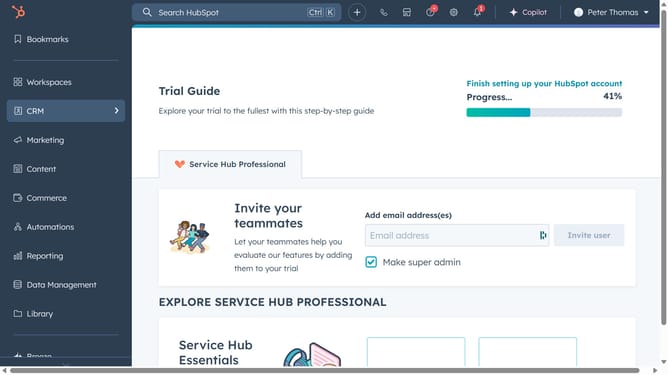
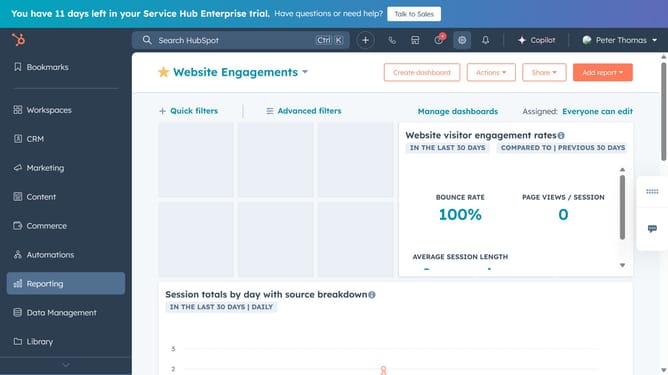
- First click on the "Library" icon in the left sidebar menu
- Then click on "Snippets" in the library submenu
- Next click on the "New folder" button in the top-right corner of the Snippets page
- In the modal window, enter a name for your folder
- Finally click on the "Create folder" button to create the folder
Why should you create a folder for your snippets in HubSpot
HubSpot is a powerful platform designed to streamline business operations in marketing, sales, customer service, and CRM.
Creating a folder for your snippets in HubSpot allows you to organize and access your frequently used text templates effortlessly. This feature is invaluable for teams looking to maintain consistency and efficiency in their communications.
By grouping your snippets, you not only save time but also enhance team productivity by ensuring everyone has easy access to the right resources at the right time.
Last update