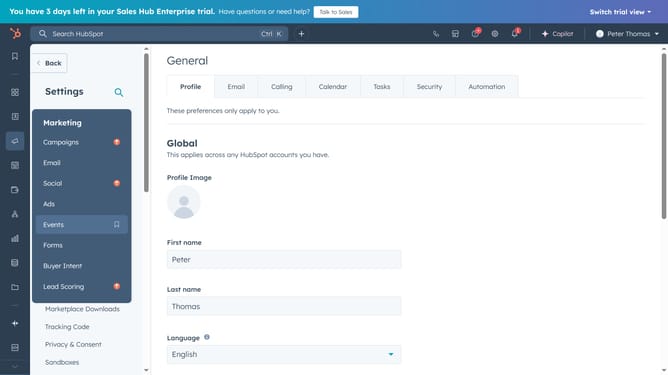
How to enable pop-up notifications in HubSpot
Here is how to enable pop-up notifications in hubspot
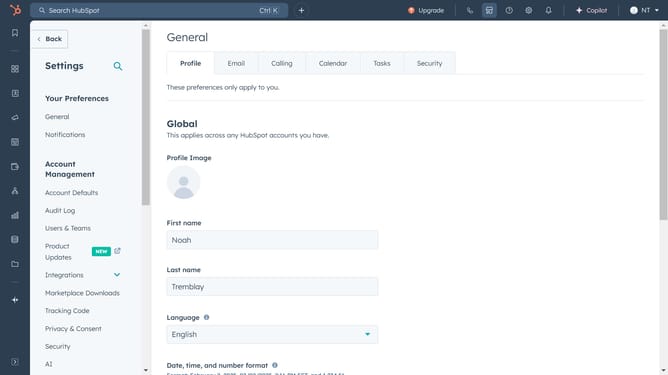
- First click on the "Settings" icon in the top navigation bar
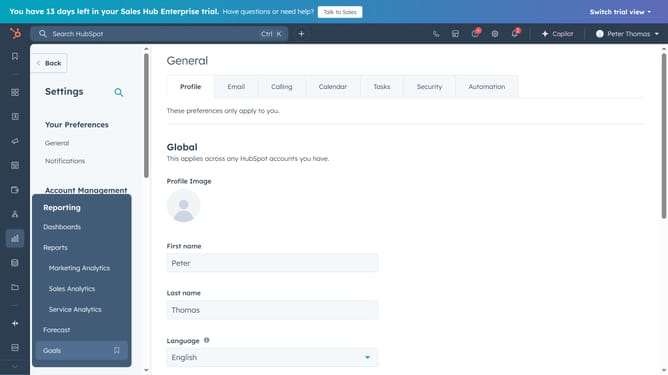
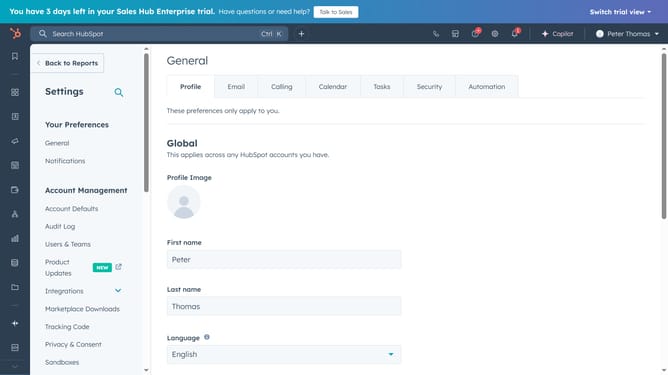
- Then click on the "Notifications" option in the left sidebar under "Your Preferences" section
- Finally, click to turn on the “Pop-up” notification toggle to enable it
Why should you enable pop-up notifications in HubSpot
HubSpot is a leading platform designed to streamline your marketing, sales, and customer service processes.
Enabling pop-up notifications in HubSpot ensures you never miss important updates or tasks, keeping you informed in real-time. This feature acts as a vital communication tool, enhancing your workflow efficiency by delivering relevant information directly to your desktop or mobile device.
By staying promptly alerted to new leads, meetings, or critical metrics, you can respond swiftly and maintain momentum in your business operations. Pop-up notifications in HubSpot empower you to stay connected and engaged with your tasks effortlessly, driving productivity and success.
Last update