How to create marketing events in HubSpot
Here is how to create marketing events in hubspot
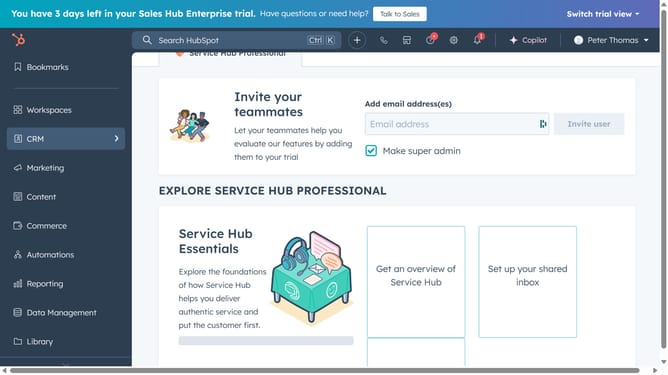
- First click on Marketing in the left sidebar and select "Events" from the menu
- Then click on "Create marketing event" button in the top right corner
- Enter a name for your event in the "Name" field of the create event form
- Type a brief description of the event in the "Description" field
- Enter the type of event (e.g., webinar, in-person, virtual).
- Specify when the event takes place (Start date and End date)
- Next type the name of the event organizer
- Finally click "Create" button at the bottom of the form to create the event
Why should you create marketing events in HubSpot
HubSpot is an all-in-one platform designed to supercharge your marketing, sales, and customer service efforts.
Creating marketing events in HubSpot is a feature that helps businesses streamline event management and enhance engagement.
By utilizing this feature, you can easily organize webinars, conferences, or workshops while capturing valuable attendee data. This data helps in refining future marketing strategies and nurturing leads effectively.
Incorporating marketing events into your HubSpot activities also strengthens brand loyalty by fostering direct interaction with your audience.
Last update