How to delete your document in HubSpot
Here is how to delete your document in hubspot
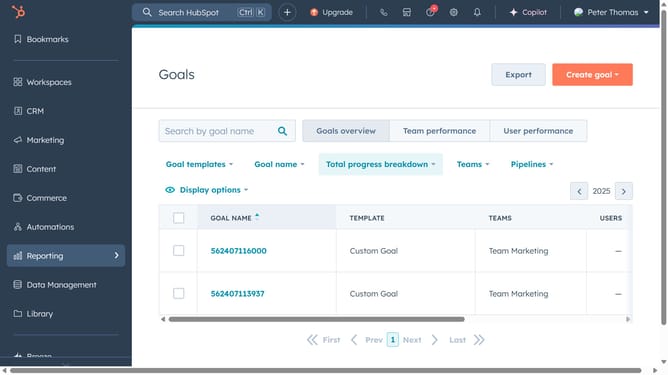
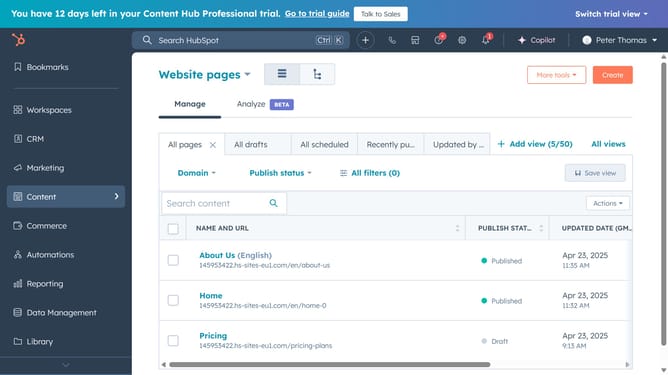
- First click on the "Library" option in the left sidebar
- Then click on "Documents" in the expanded Library menu
- Click on the name of the document you want to delete in the documents list
- Next click on the "Actions" dropdown button in the top-right corner
- Select "Delete" option from the Actions dropdown menu
- Finally, click on the "Delete document" button in the confirmation dialog
- The document has now successfully been deleted
Why should you delete your document in HubSpot
HubSpot is a comprehensive platform designed to enhance marketing, sales, and customer service efforts.
Knowing how to delete your document in HubSpot is an essential feature that streamlines data management and keeps your workspace organized.
This feature ensures you have the flexibility to remove outdated or unnecessary documents, maintaining a cleaner and more efficient system.
Benefit from a sense of control and improved access to the most relevant and up-to-date information within your HubSpot experience.
Last update