How to create a page in HubSpot
Here is how to create a page in hubspot
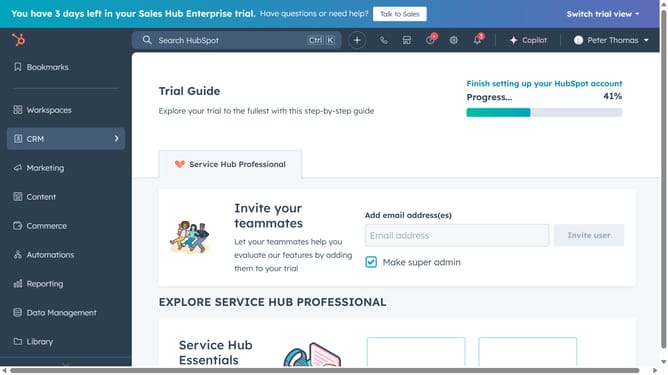
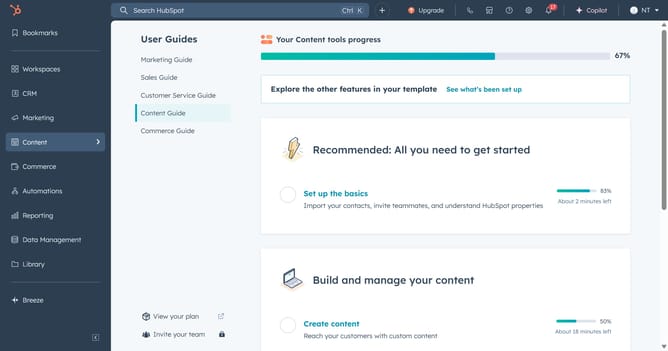
- First click on the "Content" icon in the left sidebar
- Next select whether to create a "Website page" or a "Landing page" in the content menu
- Then click the "Create" button in the top right corner
- If you have multiple connected domains, click the "Website" dropdown menu
- Select your desire domain from the Website dropdown
- Enter the page name and click the "Create page" button
- Choose a template and click "Preview template" to open a preview or "Select template" to proceed to the content editor
- Click the "Settings" button in the top right corner of the page editor
- In the settings modal window, enter a Page title
- Edit or enter a new URL slug in the Content slug field
- In the Meta description field, enter a description of the page's content
- In the Template section, you can use different template or edit the template as needed
- In the Language section, click on the dropdown menu
- Select a language from the language options
- In the Control audience access section, set the visibility of the page
- To make this page a dynamic page, click the Data source dropdown menu and selet a HubDB table or property
- To add a code snippet to the head HTML of the article, enter the code snippet in the Head HTML field
- Once done, click the "X" icon in the top right to exit the dialog box
- Finally, click the "Publish" button to make the page live
- Your page has been successfully created and is now live
Why should you create a page in HubSpot
HubSpot is a cutting-edge platform designed to enhance marketing, sales, and service efforts through streamlined tools and strategies.
Creating a page in HubSpot is simplified with its intuitive interface that combines design flexibility with powerful SEO capabilities. This feature allows users to craft visually engaging, professional pages without extensive technical know-how.
Leveraging HubSpot's page creation tools means more effective communication of your brand's message and a boost in lead generation, aligning perfectly with your business growth objectives.
Last update