How to manage a document's access in HubSpot
Here is how to manage a document's access in hubspot
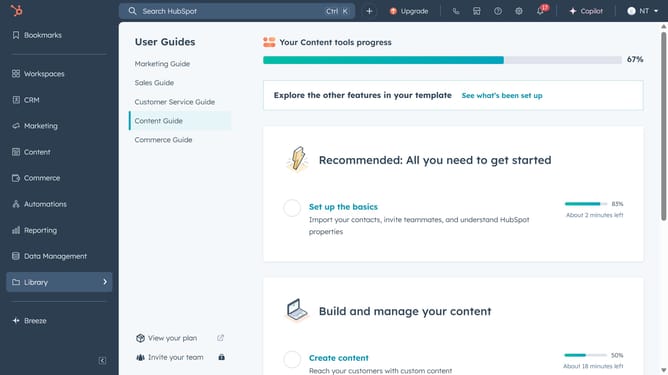
- First click on the "Library" option in the left sidebar
- Then click on "Documents" item in the Library submenu
- Next hover over the document you want to manage and click on "Actions" dropdown button
- Select "Manage sharing" from the Actions dropdown menu
- In the sharing settings modal, choose who can access the document (Private, Everyone or Specific users or teams)
- If you select "Select users and teams who can access", then choose the specific teams or users
- Finally click the "Save" button to apply the sharing settings
Why should you manage a document's access in HubSpot
HubSpot is a powerful platform designed to streamline marketing, sales, and customer service.
Managing a document's access in HubSpot is intuitive and ensures your content is available to the right audience. This feature allows you to control who views or edits your documents, enhancing collaboration while maintaining security.
Utilizing access management benefits teams by ensuring sensitive data is protected and only shared with authorized individuals, improving trust and efficiency.
Last update