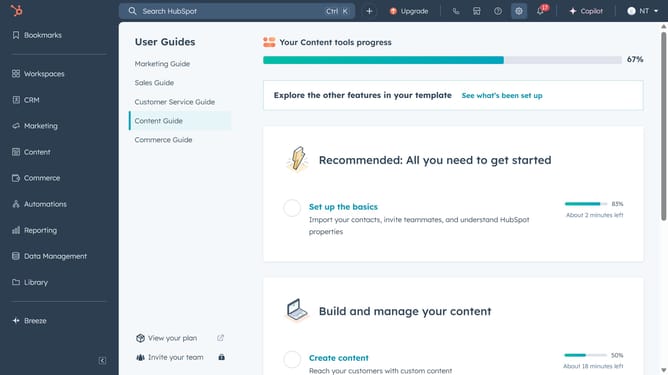
How to create a goal template in HubSpot
Here is how to create a goal template in hubspot
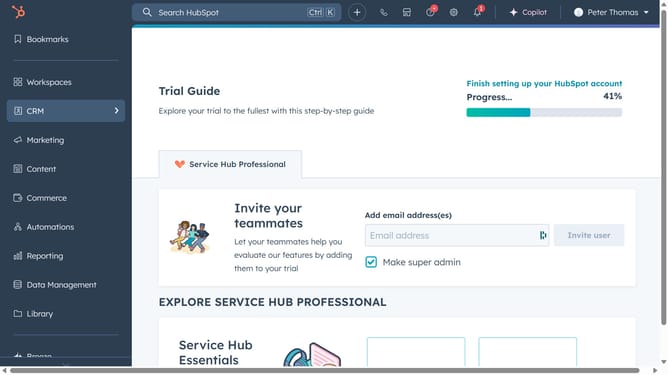
- First, click on the "Reporting" item in the left sidebar menu
- Then click on the "Goals" item in the expanded reporting menu
- Next, click on the "Create goal" button in the top right corner
- Then, fill in the "Define goal" and click "Next"
- Next, enter the below information for your goal template, then click "Next" on the lower right of the page
- Then, set up the performance taget to value
- Click on "Next" to pursue your edition
- Finally, click the "Done" button to complete the goal creation
Why should you create a goal template in HubSpot
HubSpot is a comprehensive platform designed to streamline marketing, sales, and service efforts.
Creating a goal template in HubSpot organizes your team's objectives into clear, actionable targets. This feature enhances productivity by providing a streamlined way to assign and track goals.
Using goal templates ensures alignment across departments, fostering collaboration and motivating teams. Ultimately, this leads to improved performance and successful attainment of business objectives.
Last update