How to complete tasks on the tasks index page in HubSpot
Here is how to complete tasks on the tasks index page in hubspot
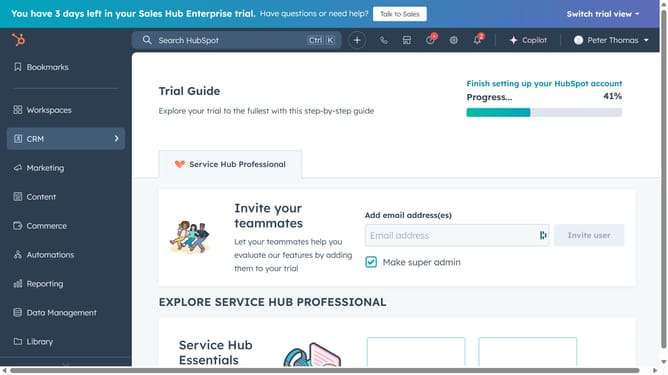
- First, click on the "CRM" option in the left sidebar menu
- Then click on the "Tasks" submenu item in the CRM dropdown menu
- Next, click on the view tab in the tasks view navigation bar
- Then select the checkbox next to the task in the task list to select those you want to change as complete
- Finally, click on the "Mark as completed" button in the task actions toolbar
Why should you complete tasks on the tasks index page in HubSpot
HubSpot is a powerful tool designed to streamline your marketing, sales, and customer service processes.
On the tasks index page, HubSpot offers an intuitive interface to effortlessly manage and complete tasks. This feature enhances productivity by allowing users to prioritize and execute their workflows efficiently.
Utilizing this aspect of HubSpot ensures tasks are organized and completed in a timely manner, eliminating the chaos of overlooked responsibilities. It serves as a catalyst for improved time management and increased personal productivity.
Last update