How to manage access to a pipeline in HubSpot
Here is how to manage access to a pipeline in hubspot
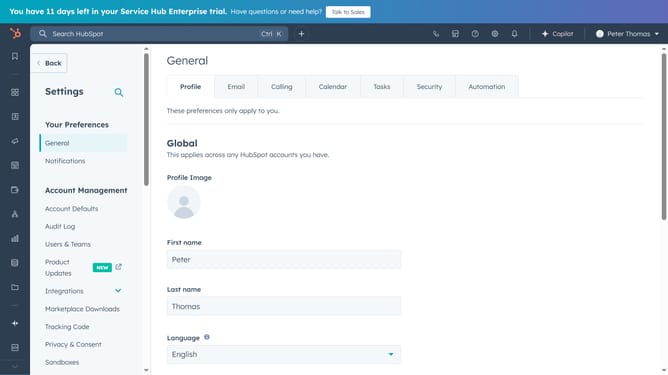
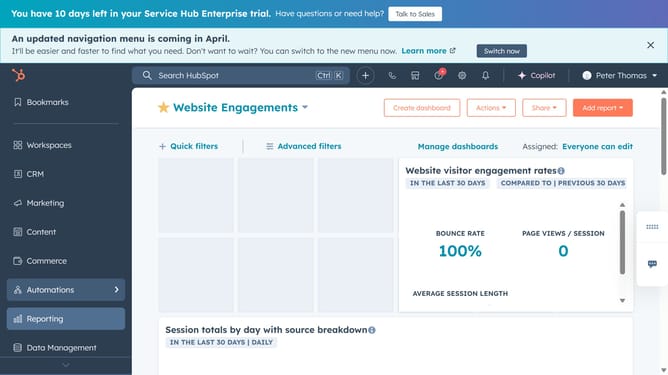
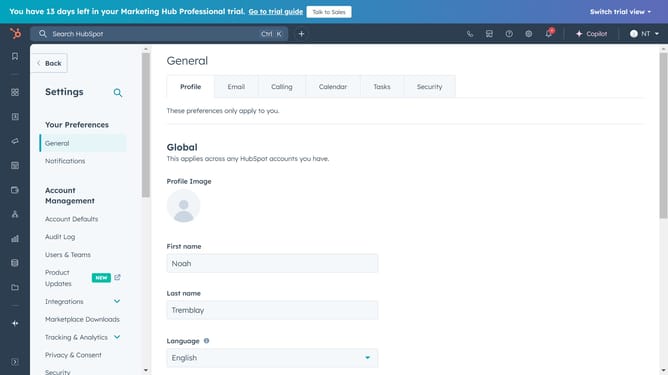
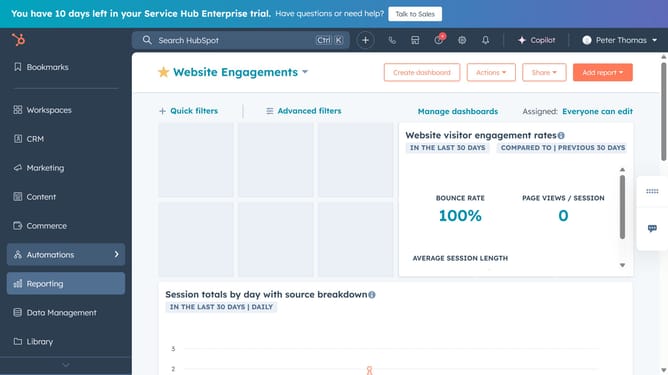
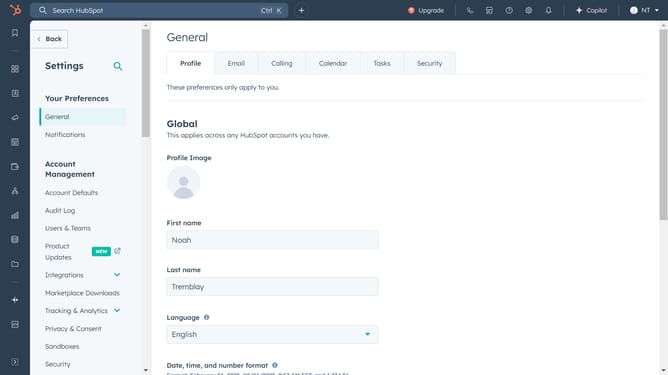
- First click on the gear icon in the top navigation bar to access settings
- Then click on "Objects" dropdown in the left sidebar menu
- From the expanded Objects menu, select Deals, Tickets, or another object where your pipeline is
- Click on the "Pipelines" tab
- Next click on the "Select a pipeline" dropdown menu
- Choose the pipeline you want to manage the access from the pipeline selection dropdown
- Then click on the "Actions" button in the top right corner
- Select "Manage access" option from the Actions dropdown menu
- In the dialog box, select who can access and edit the pipeline: "Private to me", "Available to everyone" or "Select users and teams who can edit"
- Finally once done, click the "Save" button to apply the access settings
Why should you manage access to a pipeline in HubSpot
HubSpot is an all-in-one platform designed to enhance marketing, sales, and customer service for businesses.
Managing access to a pipeline in HubSpot empowers businesses to maintain workflow integrity by ensuring only the right people have access to critical sales data. By controlling who can view or modify pipelines, teams can protect sensitive information and foster accountability.
This feature is particularly beneficial in streamlining team collaboration. Customized access promotes efficiency and allows team members to focus on their specific roles, fostering a more productive environment.
Last update