How to create users in HubSpot
Here is how to create users in hubspot
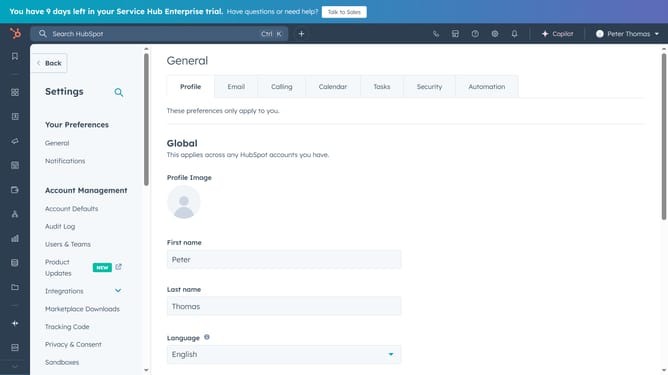
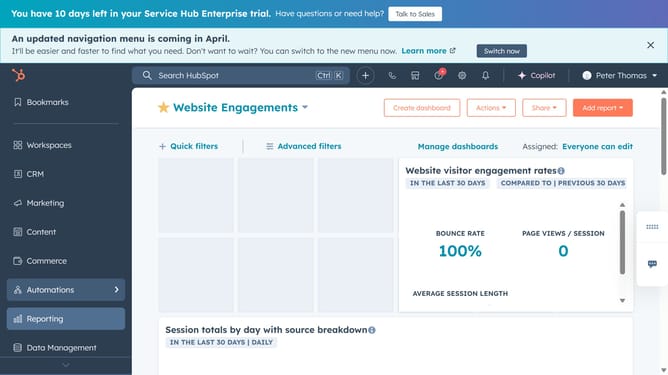
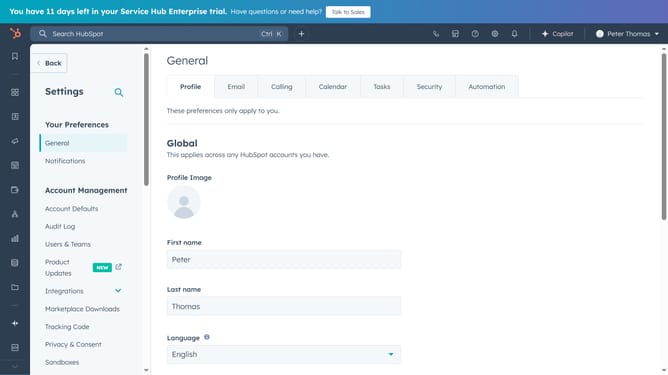
- First click on the "Settings" icon in the top menu
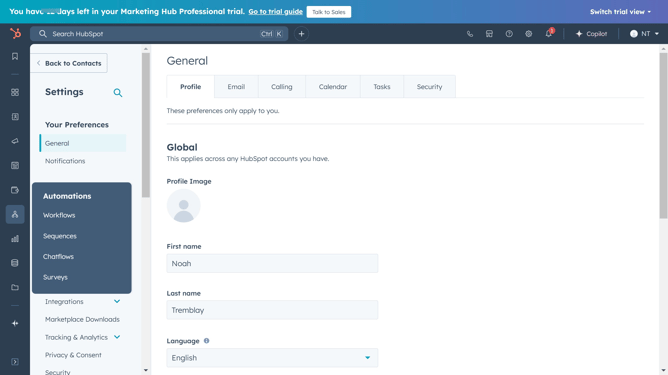
- Then click on the "Users & Teams" option in the left sidebar
- Next click on the "Users" tab in the main content area
- Click the "Create user" button in the upper right
- Enter the user's email addres in the email address field, to add multiple addresses separate them with a comma or space
- Click on the "CSV file" to import users from a CSV file
- Click on the seat assignment dropdown menu
- Choose the correct seat type from the dropdown
- Next select the appropriate permission setup option
- Click on the "No team assigned" dropdown
- And assign the user to a team if needed
- Review user access and seat assignments, then click "Create user" to complete the process
- The new users will now receive an email invitation to join your HubSpot account
- You can also copy the invite link and send it to them on any platform
- Finally click the "Done" button to complete the process
Why should you create users in HubSpot
HubSpot is a comprehensive platform designed for seamless inbound marketing, sales, and customer service management.
Creating users in HubSpot is an intuitive feature that ensures efficient team collaboration and access control. By managing users effectively, you can tailor each user's permissions to match their role, which enhances productivity and security.
This feature helps streamline processes by allowing the right individuals to access vital data. It promotes accountability and ensures that team activities are coordinated for optimal results.
Last update