How to turn on email notifications in Hubspot
Here is how to turn on email notifications in hubspot
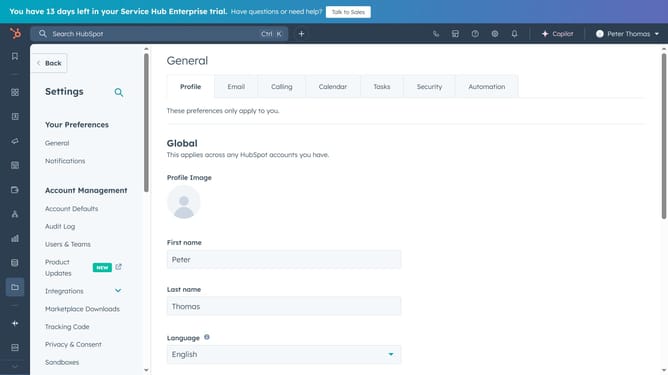
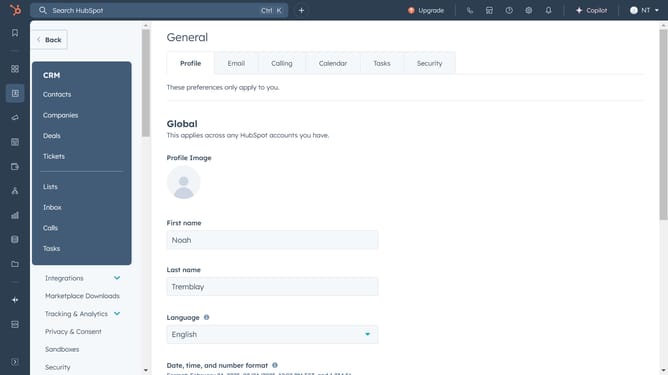
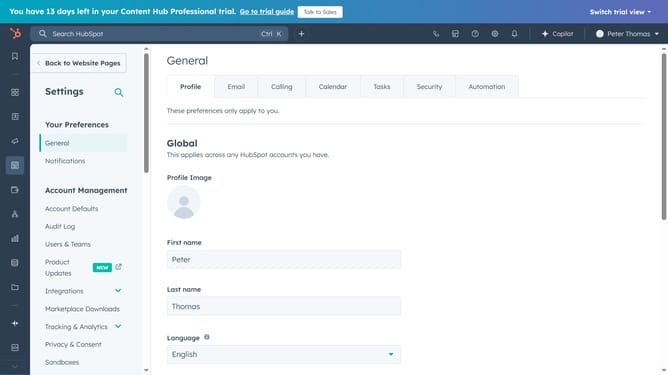
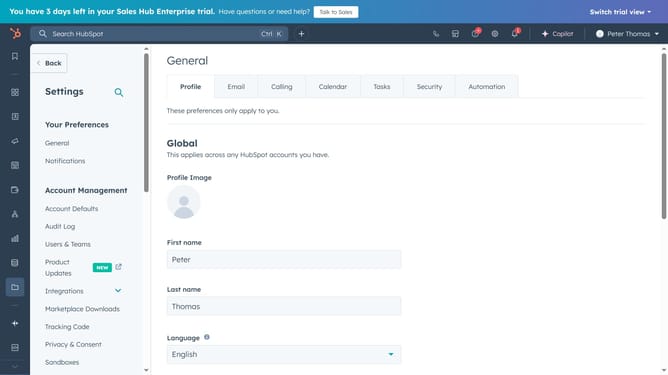
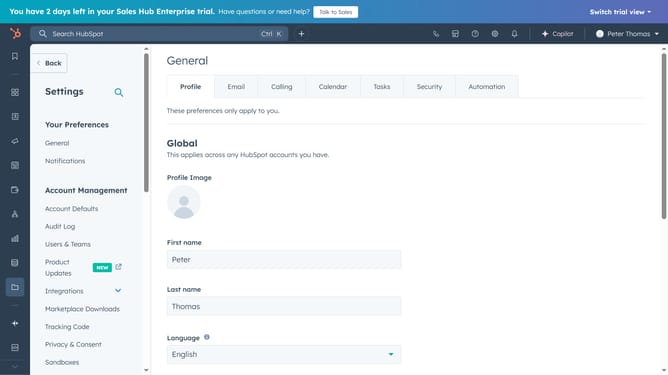
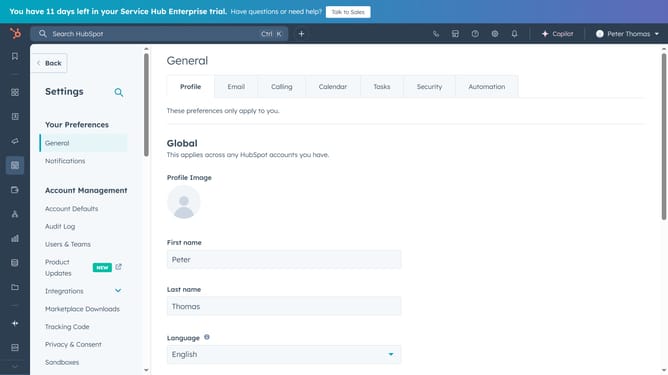
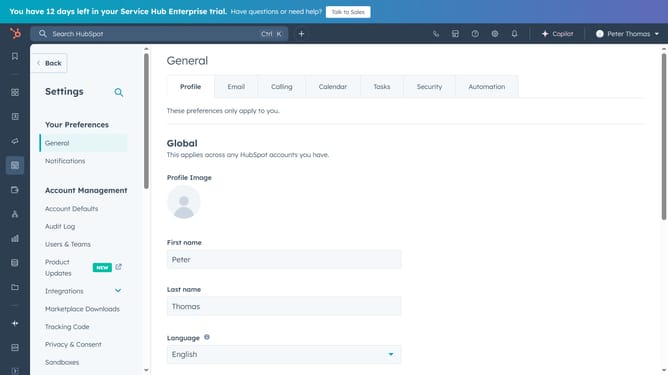
- First click on the "Settings" icon in the top navigation bar
- Then click on "Notifications" in the left sidebar under "Your Preferences"
- Finally click on the "Email" notification switch to turn it on
Why should you turn on email notifications in Hubspot
HubSpot is a dynamic platform designed to elevate marketing, sales, and service efforts seamlessly.
Turning on email notifications in HubSpot is a simple yet powerful way to stay informed about critical interactions and updates.
These notifications allow you to be quickly alerted to new leads, customer inquiries, or any significant activity, ensuring that you never miss an important opportunity.
By enabling this feature, you enhance your responsiveness and foster better relationships with your clients, directly contributing to your business success.
Last update