How to create a folder for your playbooks in HubSpot
Here is how to create a folder for your playbooks in hubspot
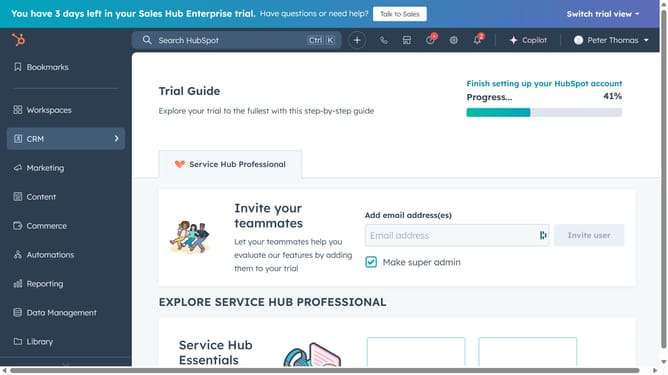
- First click on the "Library" icon in the left sidebar navig
- Then click on "Playbooks" option in the Library menu
- In the Playbooks section, click on the "New folder" button in the top-right corner
- In the dialog window, enter a name for your folder
- Finally click on the "Add folder" button to create the folder
Why should you create a folder for your playbooks in HubSpot
HubSpot is a dynamic platform designed to enhance marketing, sales, and customer service efforts.
Creating a folder for your playbooks in HubSpot allows you to organize your resources efficiently. This feature streamlines the management of your informational assets, ensuring that your team can easily access and utilize them whenever needed.
The benefit of organizing playbooks into folders is undeniable; it improves productivity, maintains consistency in communication, and ultimately enhances your team's performance. By categorizing your playbooks, you ensure a seamless workflow and better collaboration.
Last update