How to enable or disable reply recommendations in HubSpot
Here is how to enable or disable reply recommendations in hubspot
- First click the settings icon in the top menu
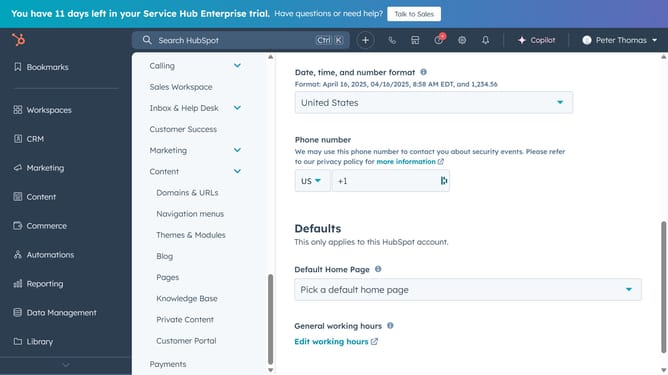
- Then in the left sidebar, click on "Inbox & Help Desk" menu item
- Select "Help Desk" from the expanded menu
- In the help desk overview page, click on "SLAs" card under Help desk automation section
- Click the "AI Tools" tab in the Help Desk settings
- Then toggle the "Reply recommendations" switch to enable or disable it as needed
- Finally click the "Save" button at the bottom of the page to save the changes
Why should you enable or disable reply recommendations in HubSpot
HubSpot is a dynamic platform designed to streamline marketing, sales, and customer service efforts.
Enabling or disabling reply recommendations in HubSpot optimizes your team's efficiency in managing customer interactions.
This feature ensures that responses are timely and relevant, enhancing communication while maintaining a personal touch.
By toggling the reply recommendations, teams can tailor their interaction strategy, ensuring every customer feels understood and valued.
Last update