How to replace a file in hubspot
Here is how to replace a file in hubspot
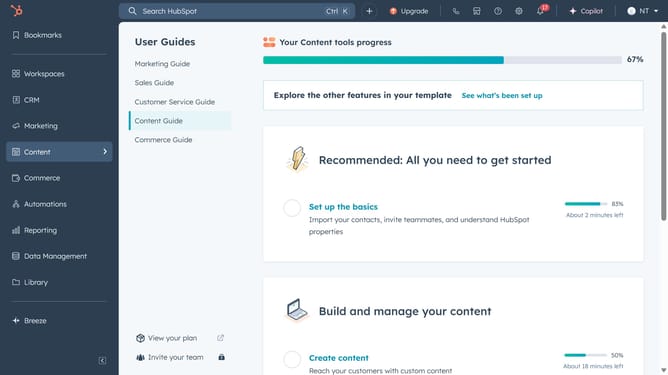
- First click on "Library" item in the left sidebar menu
- Then click on "Files" item in the Library submenu
- Find and click on the file you want to replace in the files list table
- Next click on the "Replace" button at the bottom and upload the new file
- Finally click on "Replace file" button in the replace document confirmation dialog
- Once the upload is complete, the new file will replace the old one and the same URL and name will be used
Why should you replace a file in hubspot
HubSpot is a dynamic platform renowned for enhancing marketing, sales, and customer service strategies.
The ability to replace files seamlessly in HubSpot is a game changer for businesses aiming to maintain up-to-date content effortlessly. This feature allows users to update documents without altering the existing links or URLs, saving time and ensuring consistency across channels.
Utilizing this capability can keep your digital assets fresh and relevant, enhancing user experience and promoting brand consistency. Plus, it helps teams efficiently manage and distribute content, streamlining operations and boosting productivity.
Last update