How to share tickets in HubSpot
Here is how to share tickets in hubspot
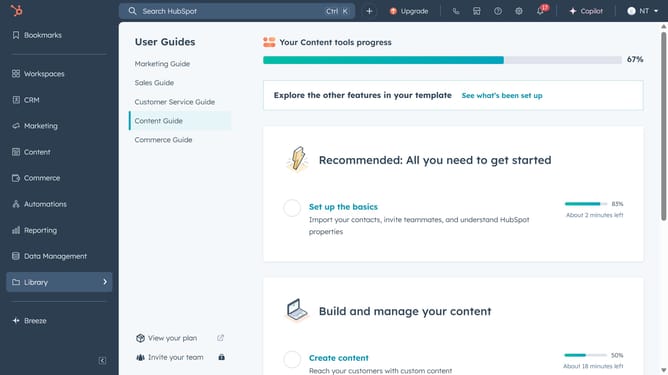
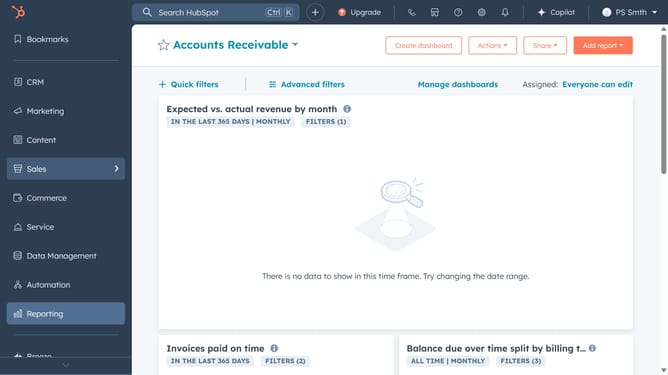
- First, click on the CRM icon in the left sidebar navigation menu
- Then click on the "Tickets" option in the CRM submenu
- Click the checkboxes next to the tickets you want to share to select them
- Next click the "Share" button in the top toolbar
- In the Share dialog, choose the users or teams you want to share the tickets with
- Finally, click the "Share" button to confirm
Why should you share tickets in HubSpot
HubSpot is a versatile platform designed to enhance your marketing, sales, and customer service efforts.
The ability to share tickets in HubSpot facilitates seamless collaboration among team members. This feature ensures that everyone stays informed and aligned on customer issues, fostering quick and efficient resolution.
By sharing tickets, teams can reduce response times and enhance overall customer satisfaction. This streamlined communication process is integral for maintaining a high level of service and support across all customer interactions.
Last update