How to delete a playbook in HubSpot
Here is how to delete a playbook in hubspot
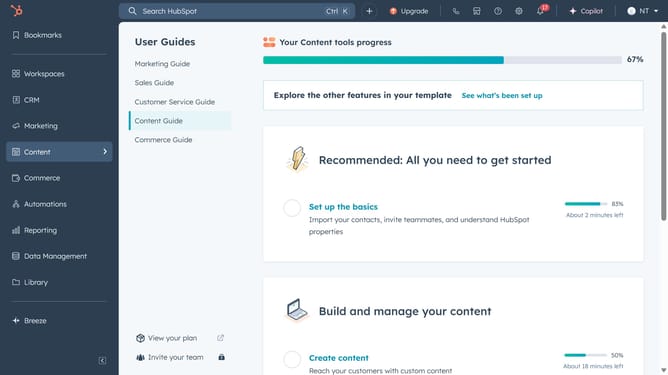
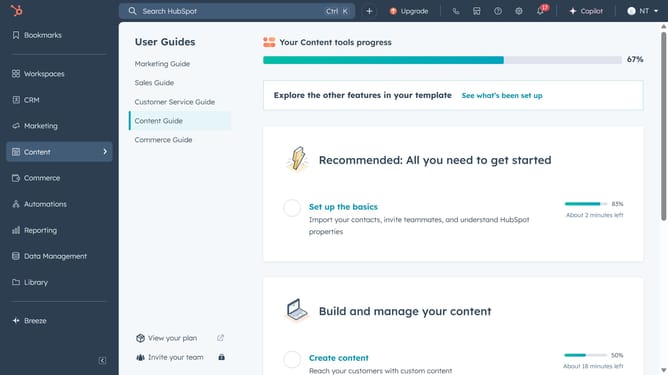
- First click on the "Library" icon in the left sidebar
- Then click on "Playbooks" in the expanded Library menu
- In the Playbooks list, hover over the playbook you want to delete and click on "Actions" dropdown button
- From the Actions dropdown menu, click on "Delete" option
- Alternatively, click the checkbox next to the playbook to select it
- Then click on the "Delete" button in the top action bar
- Finally click "Yes, delete playbook" in the confirmation dialog
Why should you delete a playbook in HubSpot
HubSpot is a dynamic platform designed to streamline marketing, sales, and service processes.
Deleting a playbook in HubSpot is a straightforward feature that allows you to manage your resources efficiently. By removing outdated or unnecessary playbooks, you can keep your system clean and focused on the most relevant strategies.
This feature is particularly beneficial for ensuring that your team only accesses the most current and impactful practices, enhancing overall productivity and strategic alignment.
Ultimately, maintaining an organized playbook library supports more effective team collaboration and improved business outcomes.
Last update