How to edit user permissions for multiple users at once in HubSpot
Here is how to edit user permissions for multiple users at once in hubspot
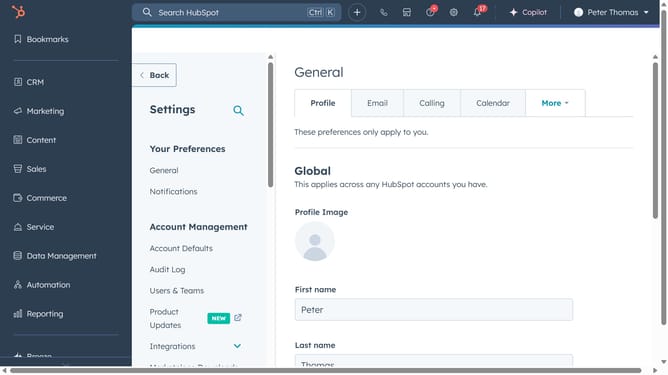
- First, click the settings icon in the top navigation bar
- Next click on the "Users & Teams" option in the left sidebar menu
- Click on the "Users" tab in the main content area
- In the users list, select the checkboxes next to the users you want to edit
- Then click on "Edit permissions" in the action bar above the users list
- In the Edit access screen, expand the "Assign a seat" and click on the dropdown menu
- Select a seat type from the seat assignment dropdown as needed
- Expand "Choose how to set access", then select how you want to apply permissions
- Next expand the "Choose permissions" section and click on "Change" button next to a permission
- Next toggle permissions on or off according to what the selected users should have
- Finally click on the "Save" button in the top-right corner
Why should you edit user permissions for multiple users at once in HubSpot
HubSpot is a powerful platform designed to streamline marketing, sales, and service for businesses of all sizes.
Editing user permissions for multiple users at once in HubSpot is a game-changer for teams managing several accounts. This feature allows administrators to efficiently update roles and access levels, ensuring the right team members have appropriate permissions.
By simplifying this process, businesses can maintain security and compliance more effectively, enhancing operational efficiency without unnecessary administrative burden.
Last update