How to remove a deactivated user in Hubspot
Here is how to remove a deactivated user in hubspot
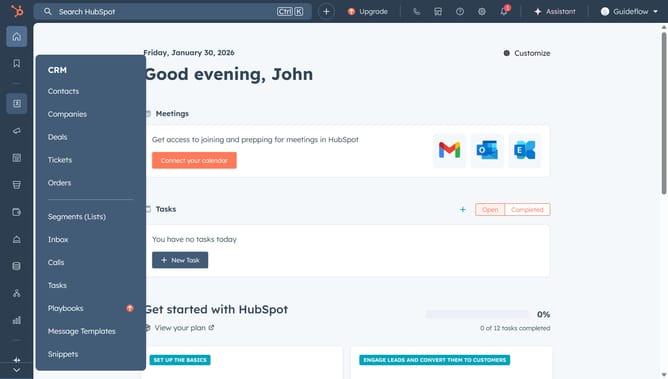
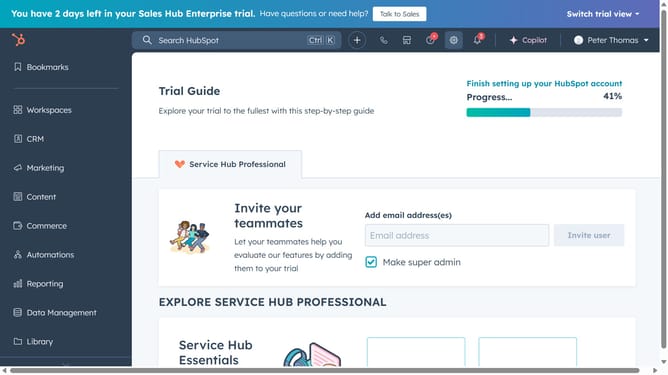
- First click on the the account name dropdown menu in the top navigation bar
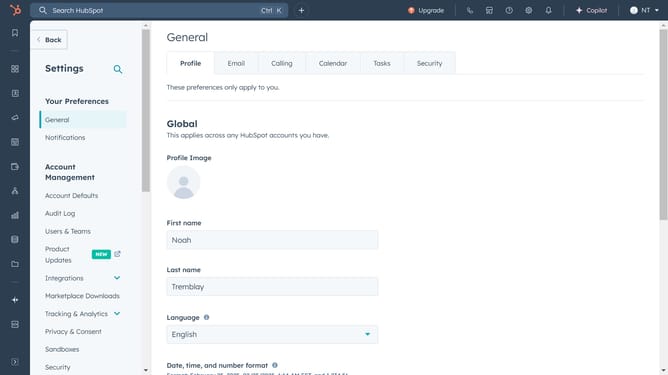
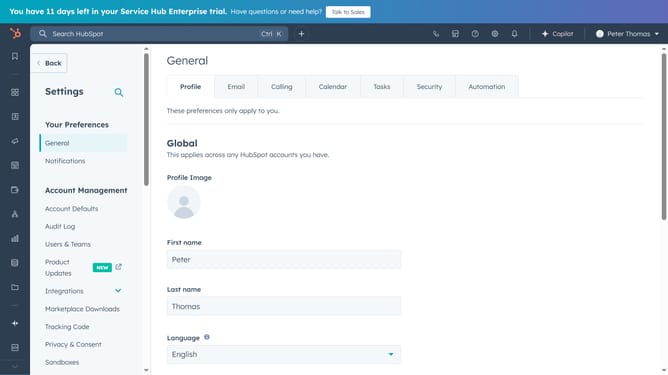
- Then click on "Profile & Preferences" link in the dropdown menu
- Then click on "Users & Teams" link in the left sidebar under Account Management section
- Then click on "Review users" link in the Deactivated Users section
- Then click on the deactivated user email in the users table
- Then click on the "Actions" dropdown button in the top right corner of the user details page
- Then click on "Remove from account" option in the Actions dropdown menu
- Finally click on the "Confirm" button in the removal confirmation dialog
Why should you remove a deactivated user in Hubspot
HubSpot is a dynamic platform designed to help businesses grow through marketing, sales, and customer service automation.
Managing team members efficiently within HubSpot is crucial for keeping your operations smooth and agile. Removing a deactivated user not only helps declutter your user list but also enhances security by ensuring that only active members can access sensitive data.
By streamlining your HubSpot user database, you make room for new team members and maintain an organized workflow, ultimately fostering better collaboration and productivity.
Last update