How to move a file between folders in the file manager in HubSpot
Here is how to move a file between folders in the file manager in hubspot
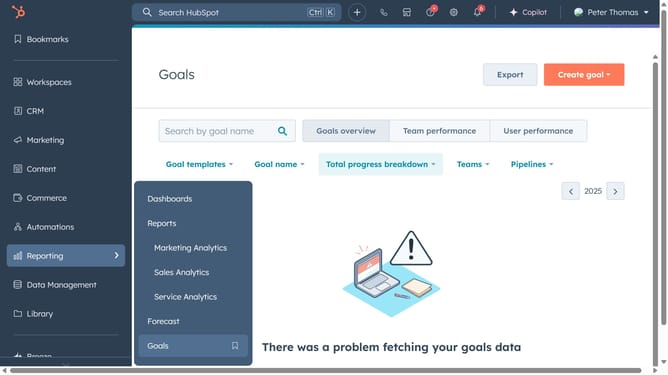
- First click on the "Library" icon in the left sidebar menu
- Then click on "Files" in the library submenu
- Next hover over the file you want to move and click on the "Actions" dropdown
- Select "Move" option from the Actions dropdown menu
- In the Move file dialog, choose the destination folder you want to move the file to
- Finally click the "Move" button to complete moving the file
Why should you move a file between folders in the file manager in HubSpot
HubSpot is a dynamic platform designed to enhance marketing, sales, and service effortlessly.
Among its plethora of features, the file manager offers a seamless way to organize your digital assets.
By moving files between folders, users can maintain a clean workspace, ensuring easy access and organization.
Streamlining file management boosts productivity, providing a structured approach to managing valuable resources within HubSpot.
Last update