How to create sales goals in HubSpot
Here is how to create sales goals in hubspot
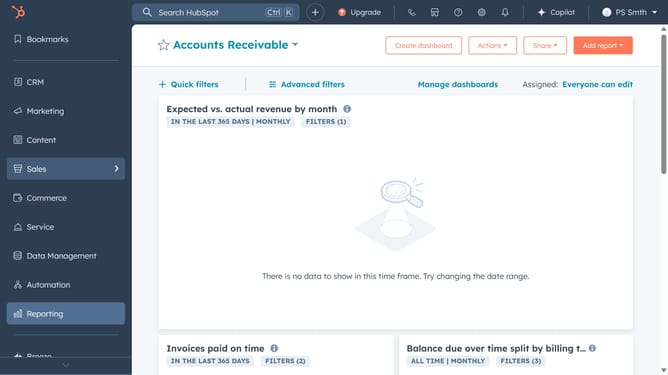
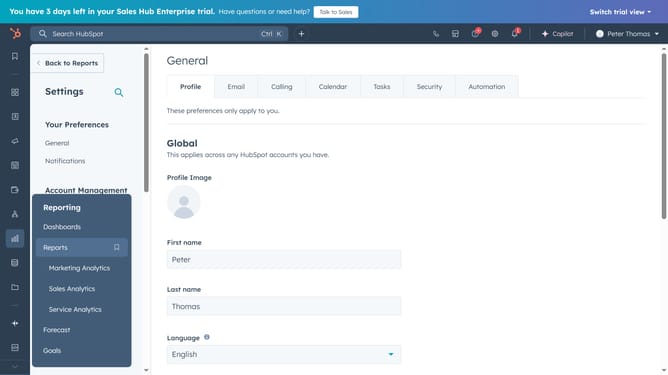
- First, click on the "Goals" option in the left sidebar under the "Reporting" section
- Select to create a goal using a template or from scratch in the Create Goal dropdown menu
- In the goal templates screen, click on the "Sales" category in the left sidebar
- Select the goal type you want to create, then click Set goal
- On the Setup page, customize your goal name, contributors, and duration
- On the Performance page, set up your targets for the year
- Finally, select the checkbox next to any goal that you want to trigger a notification for and click the "Done" button
Why should you create sales goals in HubSpot
HubSpot is a comprehensive platform designed to supercharge your marketing, sales, and customer service efforts.
Creating sales goals in HubSpot is a strategic way to track and measure success. This feature enables teams to align on objectives, ensuring everyone is focused on driving revenue and growth.
Using sales goals helps in identifying performance patterns and insights. It fosters accountability and motivates sales teams by providing clear targets and progress metrics.
Ultimately, it offers a structured framework to propel your sales initiatives forward efficiently and proactively.
Last update