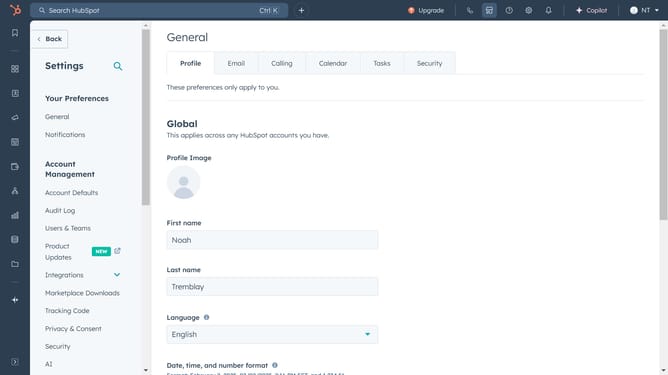
How to replace an existing document in HubSpot
Here is how to replace an existing document in hubspot
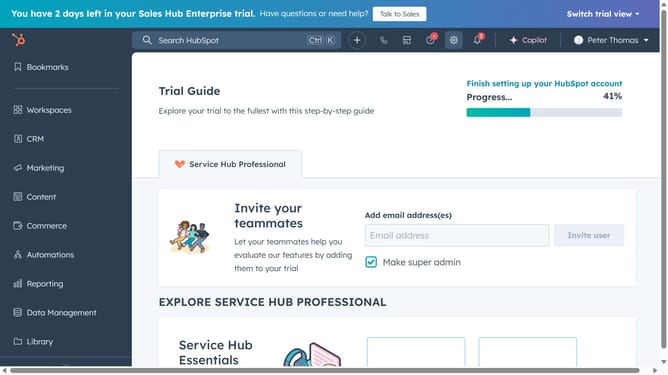
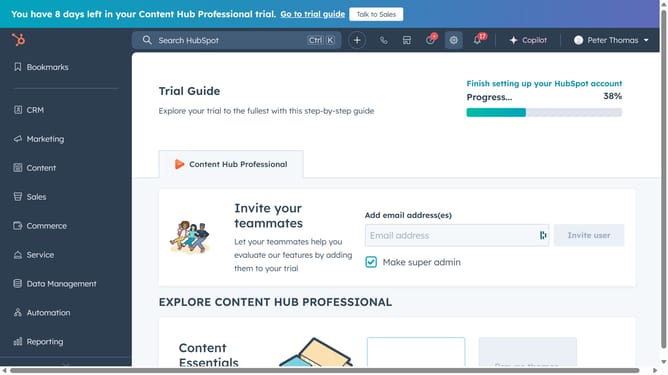
- First click on the "Library" icon in the left sidebar
- Then click on "Documents" in the Library dropdown menu
- Next find and click on the document you want to replace in the documents list
- Then click on the "Re-upload" button in the upper-right to upload the new document
- Click "Confirm" in the confirmation popup dialog
- Finally select the import source for your file in the upload document modal
- Once the upload is complete, the new file will replace the old one and the same name will be used
Why should you replace an existing document in HubSpot
HubSpot is a robust platform designed to enhance your marketing, sales, and customer service efforts through efficient CRM tools.
Replacing an existing document in HubSpot streamlines your document management process, ensuring the most current information is always accessible.
This feature saves time by eliminating the need to upload a brand new document, makes content management more seamless, and keeps your team aligned with the latest updates.
Furthermore, it helps maintain continuity and accuracy across your communications, fostering better internal and external collaborations.
Last update