How to delete a list in HubSpot
Here is how to delete a list in hubspot
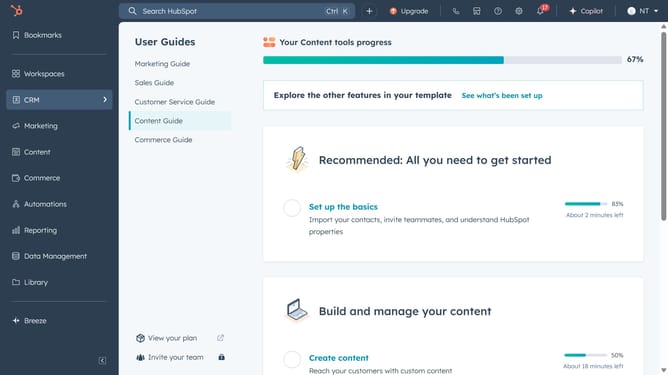
- First click on CRM in the left sidebar and select "Lists" from the menu
- In the lists table, find the list you want to delete and click the "More" button
- From the dropdown menu that appears, click the "Delete" option
- Altenatively, to bulk delete lists, select the checkboxes next to the lists you want to delete
- Click the "Delete" button in the toolbar above the table
- Finally, in the confirmation dialog, click the "Delete" button to remove the list
Why should you delete a list in HubSpot
HubSpot is a leading platform designed to seamlessly integrate marketing, sales, and customer service operations.
Deleting a list in HubSpot is a straightforward process that enhances your data management efficiency. As businesses evolve, lists may become outdated or redundant, and having the ability to delete them helps maintain an organized and relevant contact database.
This feature enables you to focus on more strategic segments of your audience, ensuring that your marketing efforts are always targeted and effective. It provides a cleaner, more streamlined CRM experience.
Last update