How to delete tickets in HubSpot
Here is how to delete tickets in hubspot
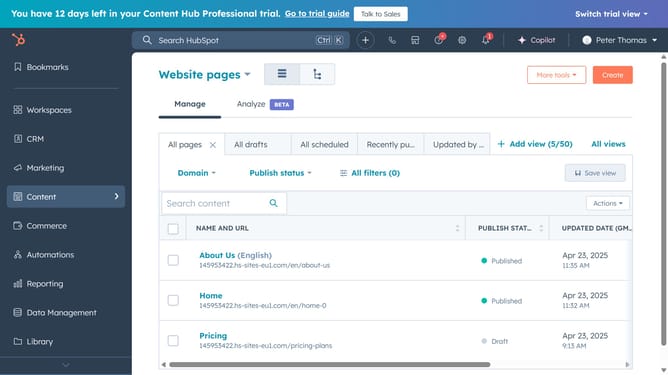
- First click the "Workspaces" icon in the left sidebar
- Then click on "Help Desk" option in the workspace dropdown menu
- Select the checkboxes next to the tickets you want to delete in the ticket list
- Next click on the "Delete" button in the top actions bar
- In the dialog box, enter the number of tickets
- Finally click the "Delete" button in the confirmation dialog to remove the selected records
Why should you delete tickets in HubSpot
HubSpot is a versatile platform designed to enhance business growth through effective marketing, sales, and service management.
Efficient ticket management is crucial, and HubSpot allows users to delete tickets seamlessly.
This feature aids in maintaining a clutter-free system, ensuring only relevant information is retained, and outdated or duplicated data is removed promptly.
By deleting unnecessary tickets, teams can streamline workflows, improving productivity and focusing on what truly matters—servicing customer needs effectively.
Last update