How to set page visibility in HubSpot
Here is how to set page visibility in hubspot
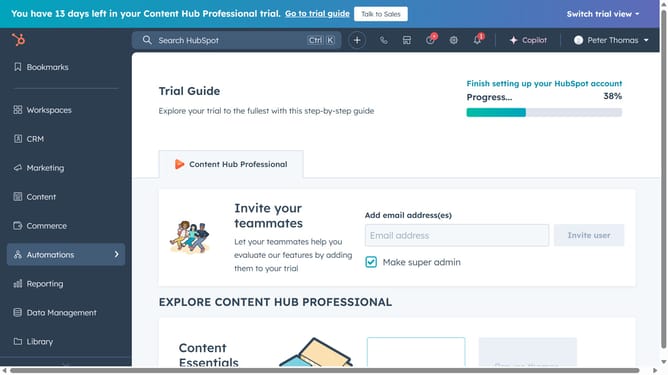
- First, click on the "Content" option in the left sidebar menu
- Next, click on the "Website Pages or Landing pages" dropdown in the content submenu
- Then click on the page name in the main content area
- Click on the "Settings" menu item in the top navigation bar
- Select "Audience Access" from the settings dropdown menu
- Finally, select an audience access option on the "Access Control" section
Why should you set page visibility in HubSpot
HubSpot is a dynamic platform designed to enhance your marketing, sales, and customer service efforts.
The "Set Page Visibility" feature in HubSpot is a powerful tool that allows you to control who can view certain pages on your website.
This feature is particularly beneficial for creating personalized experiences for different segments of your audience or restricting access to internal resources.
By setting page visibility, you ensure that the right content reaches the right audience, enhancing engagement and maintaining data integrity.
Last update