How to merge help desk tickets in HubSpot
Here is how to merge help desk tickets in hubspot
- First click the "Workspaces" icon in the left sidebar
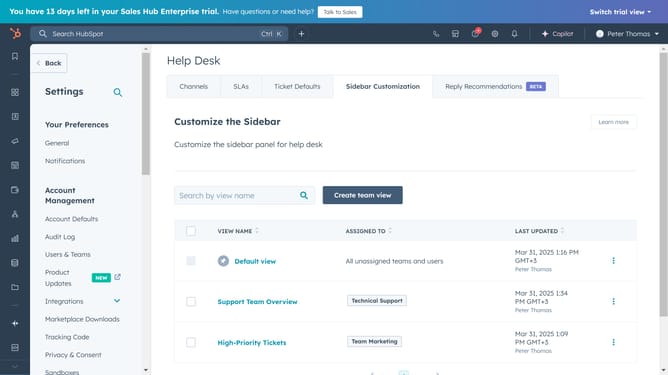
- Then click on "Help Desk" option in the Workspaces menu
- In the ticket list, select the checkboxes of the tickets you want to merge
- Next select "Merge" button in the top toolbar
- Select the Primary radio button under the ticket whose properties you want to keep after the merge
- Finally, click the "Merge" button to confirm
- The tickets have now been successfully merged
Why should you merge help desk tickets in HubSpot
HubSpot is an all-in-one platform designed to enhance your business's marketing, sales, and customer service efforts.
Merging help desk tickets in HubSpot simplifies customer support by consolidating duplicate or related inquiries into a single, cohesive thread.
This feature ensures that any overlapping or similar issues are addressed efficiently, providing a streamlined communication path for resolving customer queries.
Overall, it boosts productivity, maintains a clear ticket history, and enhances the customer service experience by fostering faster resolutions.
Last update