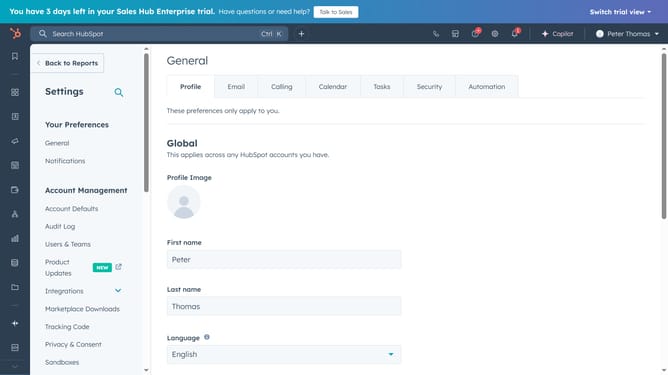
How to change the owner of a ticket in HubSpot
Here is how to change the owner of a ticket in hubspot
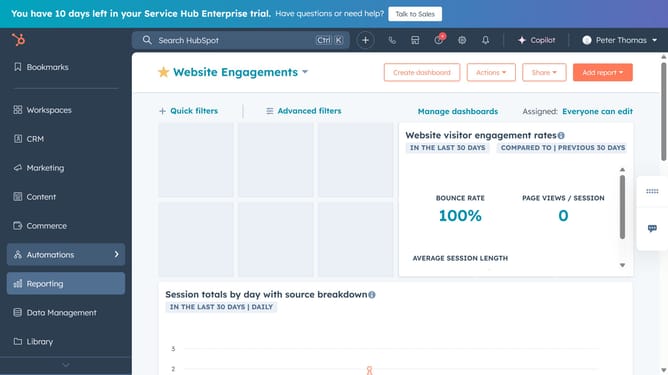
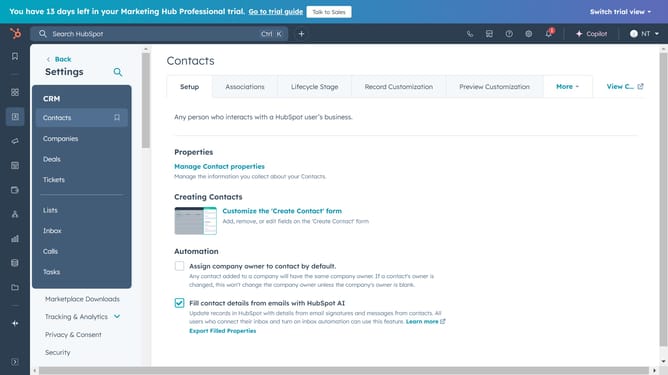
- First, click on the CRM icon in the left sidebar navigation menu
- Then click on "Tickets" option in the expanded CRM menu
- In the tickets list, Hover over the ticket you want to change the owner and click "Preview"
- Then click on "About this ticket" dropdown in the ticket details panel
- Next under "Ticket owner", click on the dropdown
- Finally select the new owner from the ticket owner dropdown list
Why should you change the owner of a ticket in HubSpot
HubSpot is a comprehensive platform designed to optimize customer relationship management and streamline marketing efforts.
The feature of changing the owner of a ticket in HubSpot provides flexibility and ensures that the right team member is responsible for resolving specific issues, improving service efficiency.
Using this feature can enhance teamwork and accountability, as it allows for dynamic reallocation of resources, aligning skill sets with customer needs and promoting better workflow management.
Last update