How to enable notification bell alerts in HubSpot
Here is how to enable notification bell alerts in hubspot
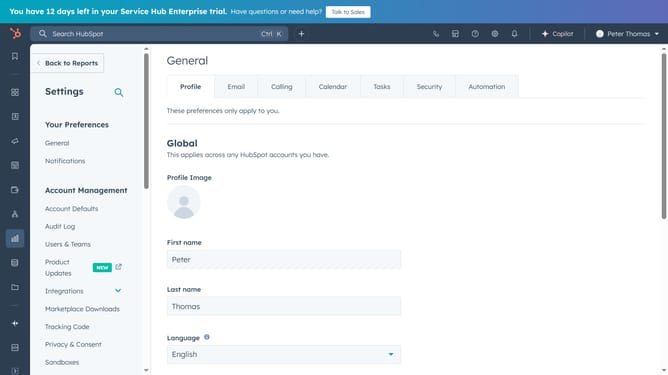
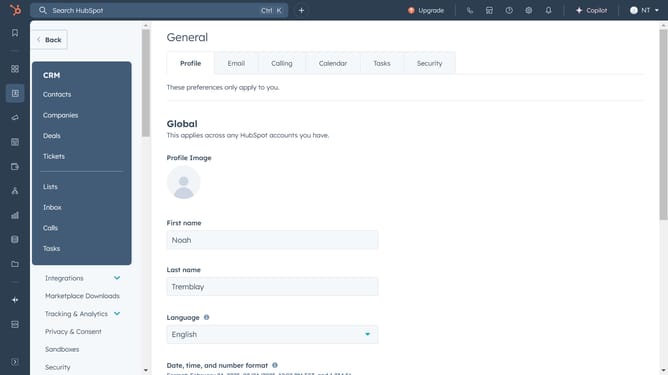
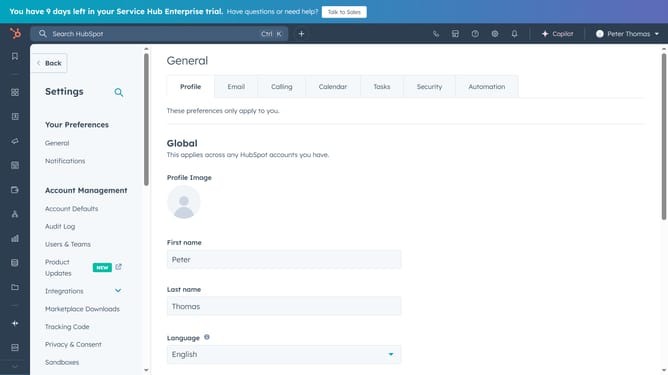
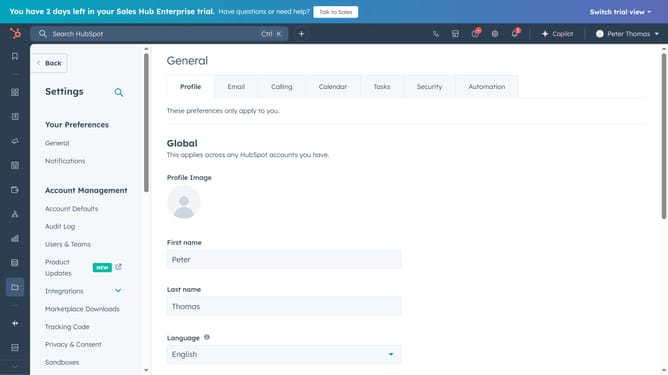
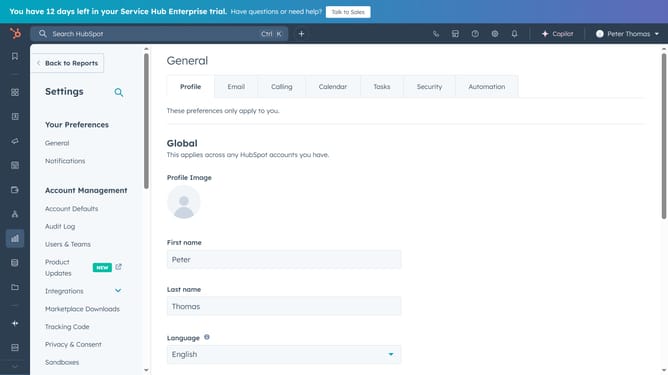
- First click on the "Settings" icon in the top navigation bar
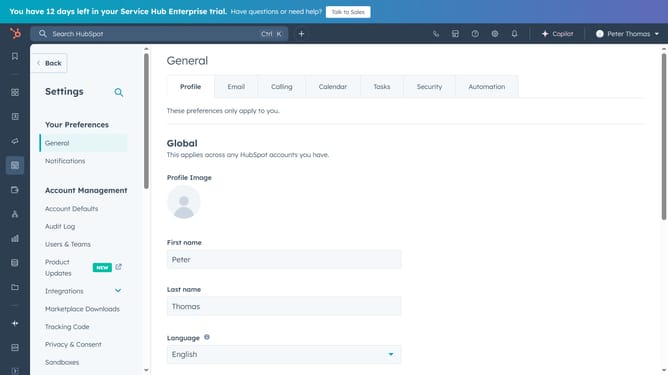
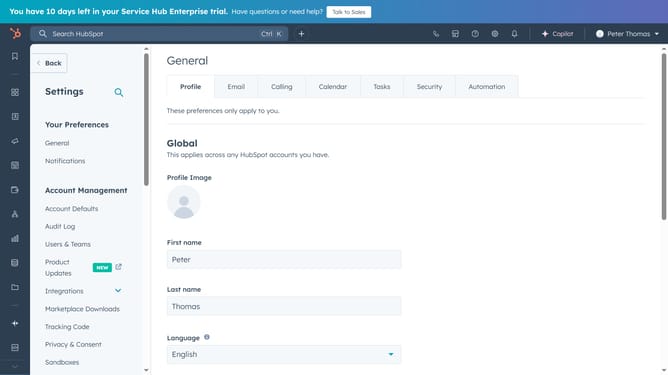
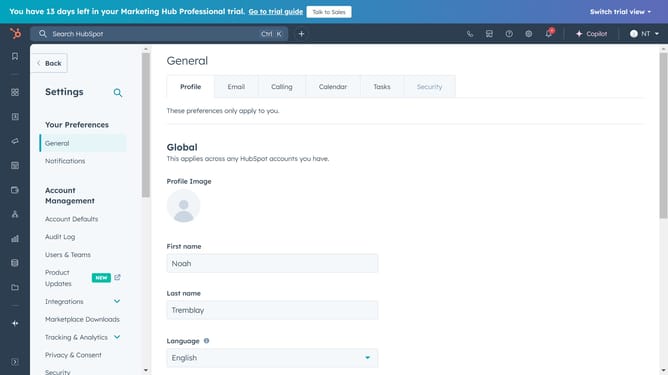
- Then click on the "Notifications" option in the left sidebar under "Your Preferences"
- Finally, click to turn on the “Bell” notification toggle to enable it
Why should you enable notification bell alerts in HubSpot
HubSpot is a powerful platform designed to streamline marketing, sales, and service processes for businesses of all sizes.
Enabling notification bell alerts in HubSpot is a key feature that ensures you never miss important updates, such as task assignments, reminders, or interactions with leads.
By using this feature, you can stay informed and be more productive, as it helps prioritize your daily activities. Notification alerts in HubSpot save time and enhance collaboration among teams, fostering a more responsive and efficient work environment.
Stay ahead of the curve with HubSpot's notification bell alerts - a perfect tool for keeping you connected and informed at all times.
Last update