How to create a folder for your sequences in HubSpot
Here is how to create a folder for your sequences in hubspot
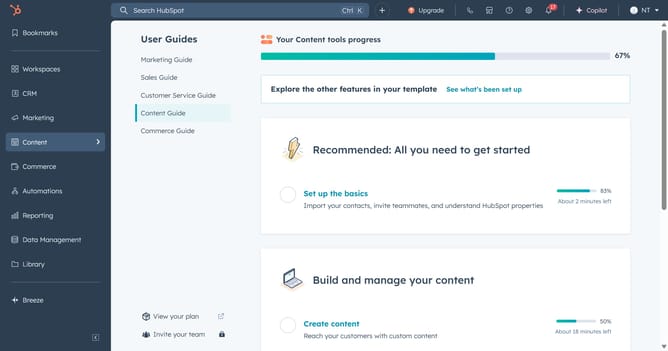
- First click on the "Automations" in the left sidebar
- Then click on "Sequences" in the Automations menu
- Next click on the "Manage" tab in the Sequences page header
- Click on "New folder" button in the top-right corner
- Enter a name for your folder in the folder name field in the modal window
- Finally, click on "Create folder" button to create the folder
- The folder will be successfully created, and you can now add or move sequences into it
Why should you create a folder for your sequences in HubSpot
HubSpot is a powerful platform designed to optimize your marketing, sales, and customer service efforts.
Creating a folder for your sequences in HubSpot allows for better organization and efficiency.
This feature enables you to categorize and store your sequences, making it easier to access and manage them quickly.
Using folders ensures your workflow remains streamlined, saving time and reducing clutter, while improving productivity and focus.
Last update