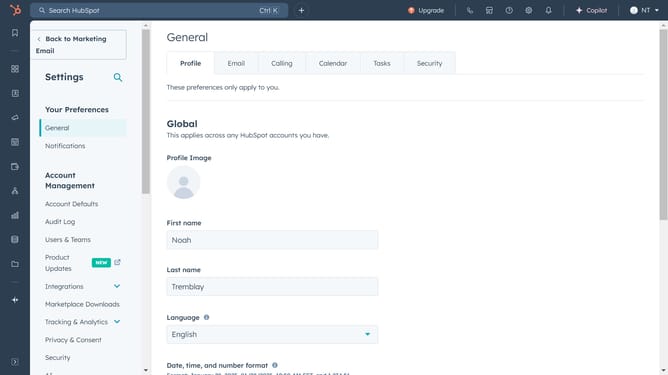
How to manage a recurring dashboard email in HubSpot
Here is how to manage a recurring dashboard email in hubspot
- First click on the "Reports" icon in the left sidebar
- Then click on "Dashboards" in the Reports submenu
- Next click on the dashboard title dropdown in the top left corner
- Select the dashboard you want to manage from the list
- Click on the "Share" button in the top-right toolbar
- Select "Manage recurring emails" option from the share dropdown menu
- In the recurring emails list, click on the email name to edit it
- In the email configuration form, you can make changes to your email details, such as modifying the internal recipients, message, schedule, and more
- For additionnal options, click on the "Actions" button next to email
- From the Actions dropdown menu, you can change the owner or delete the email as needed
Why should you manage a recurring dashboard email in HubSpot
HubSpot is an innovative platform that streamlines your marketing, sales, and customer service efforts.
Managing recurring dashboard emails in HubSpot allows users to keep their team informed effortlessly. This feature empowers you to automate regular updates, ensuring that everyone stays on the same page without lifting a finger each time.
By utilizing this tool, you save valuable time and reduce the risk of human error, while maintaining consistency in communication. With recurring emails, decision-makers can swiftly access the latest analytics, driving smarter business strategies.
Last update